

Promotional Computer Mice
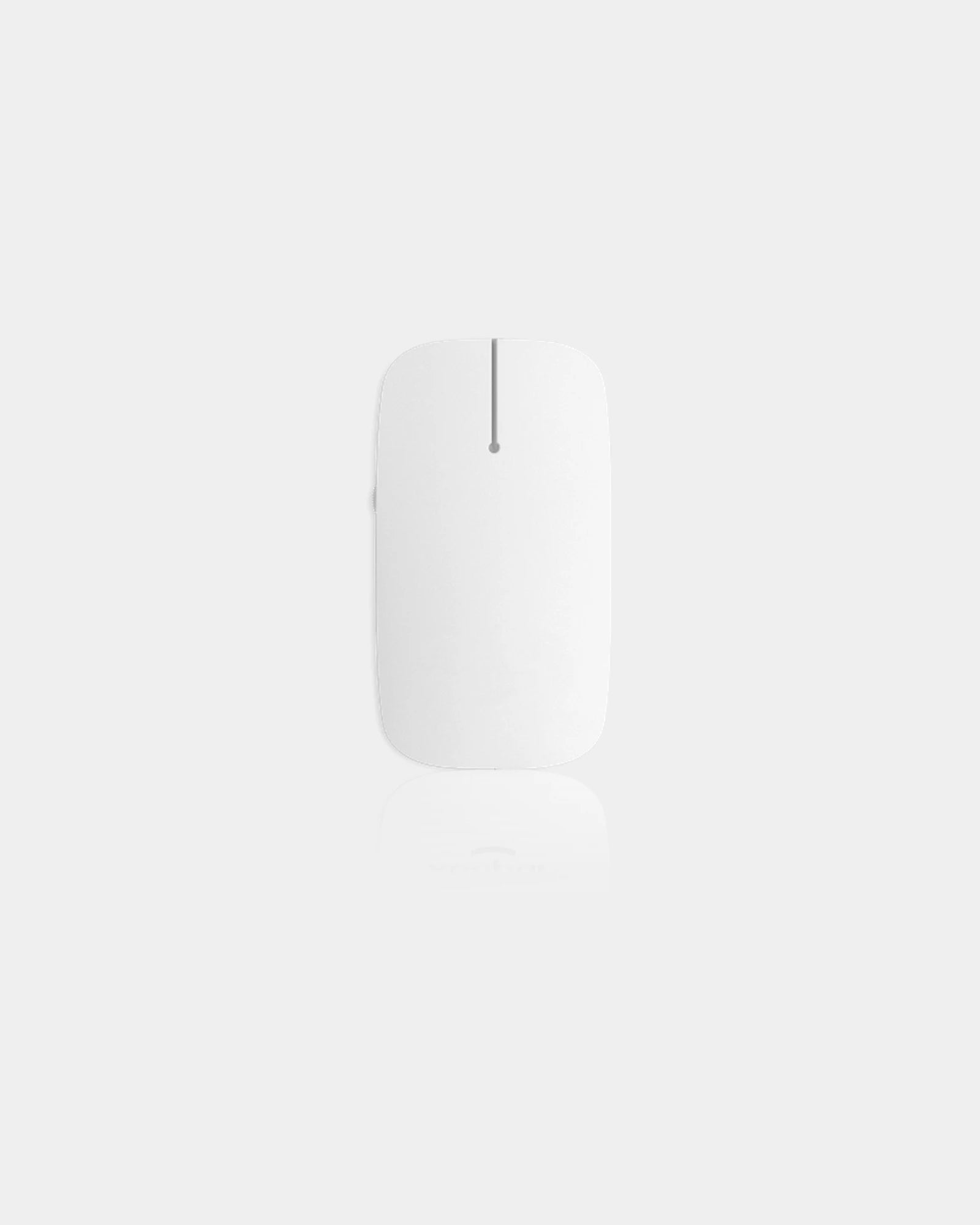




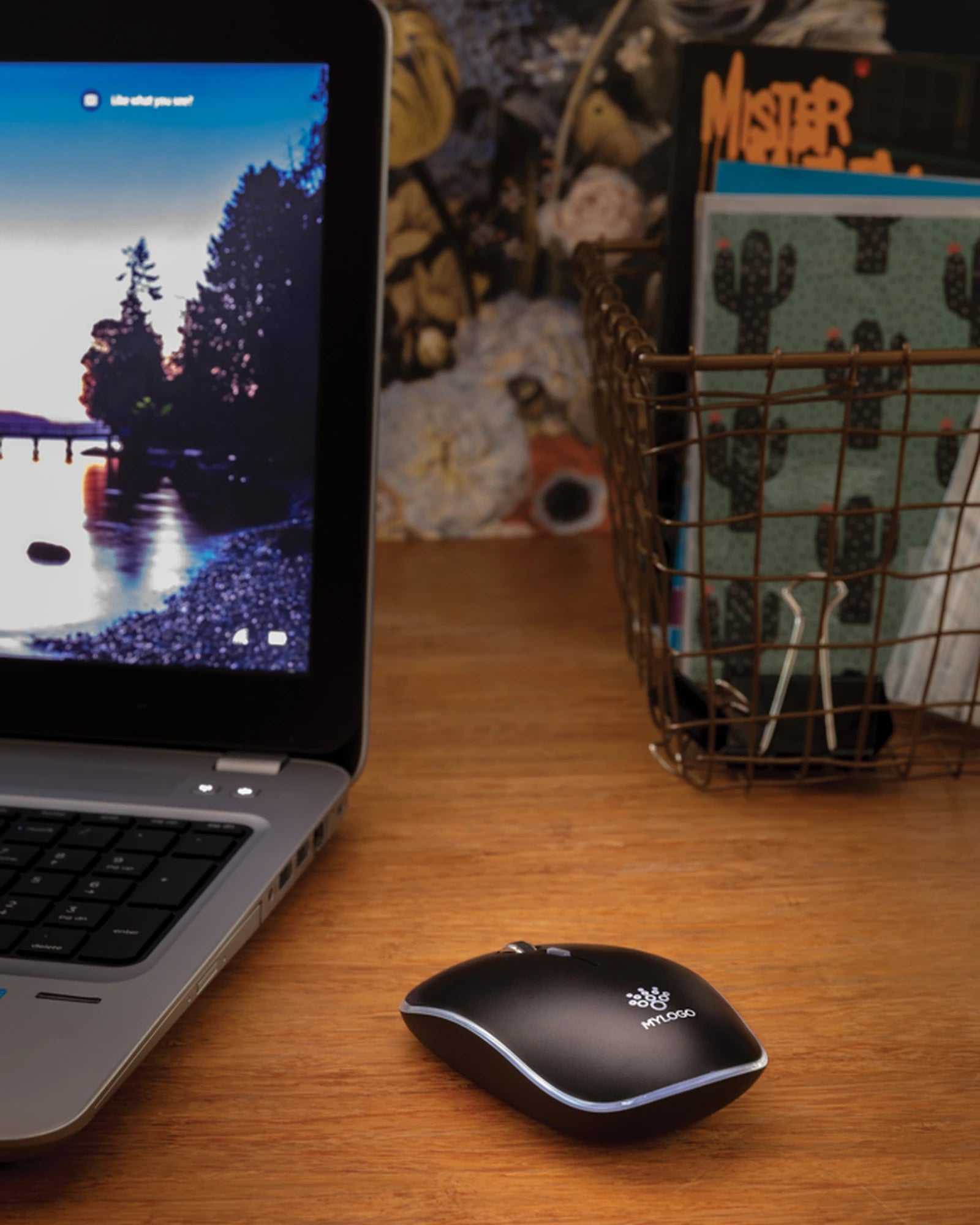


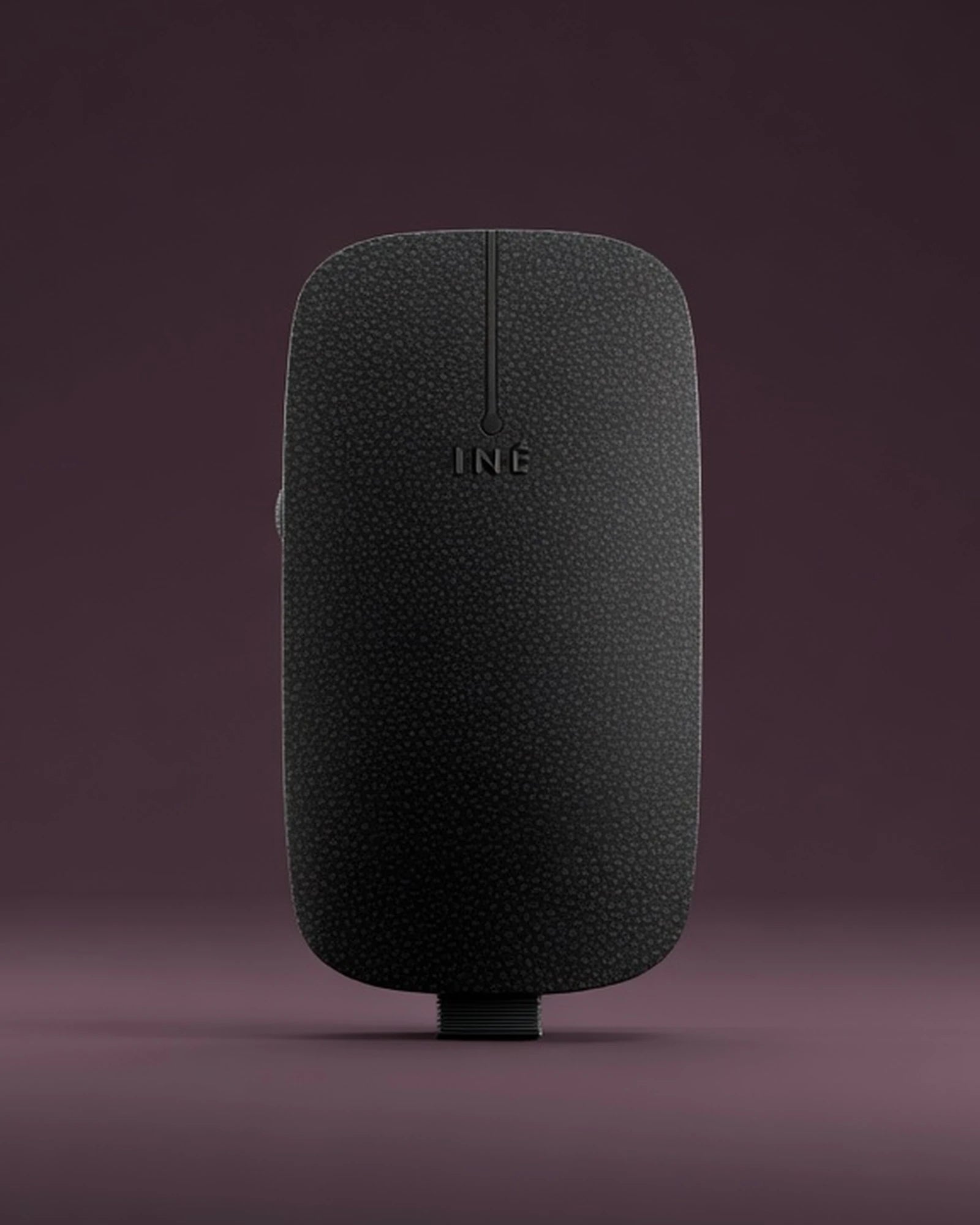


Treat your clients and employees!

FAQ - Branded Computer Mice
Trusted by 1,000+ companies
2.4GHz, Bluetooth or wired: the connection choice on personalised computer mice
The first decision on a branded computer mouse is how it talks to the machine, and it shapes everything after it. A 2.4GHz mouse ships with a tiny USB dongle that plugs into a port and pairs instantly, with no setup screen and a stable link across a desk. It is the default for an office rollout because a recipient plugs it in and it simply works, no pairing menu, no password.
Bluetooth drops the dongle entirely and pairs straight to a laptop, a tablet or a port-starved ultrabook. That suits a recipient whose machine has only one or two USB-C ports already feeding a charger and a hub. The trade-off is a one-time pairing step and a faint wake-up lag when the mouse has slept, which the 2.4GHz dongle avoids.
Some models carry both radios at once. This dual-mode mouse pairs over Bluetooth to a tablet and over the dongle to a desktop, switched with a button on the base. A wired mouse skips radios and batteries completely, drawing power down the cable. That suits a fixed workstation or an IT team that never wants to think about a battery again.
Match the radio to who receives the mouse, not to a spec-sheet preference. A conference giveaway handed to mixed laptops leans Bluetooth or dual-mode; a desktop IT rollout leans 2.4GHz for its plug-and-go simplicity. Brief the recipient's machine and the connection tier follows from it.
| Type | How it connects | Best fit |
|---|---|---|
| 2.4GHz wireless | USB dongle, instant pairing | Office and IT rollout |
| Bluetooth | Direct pair, no dongle | Laptops, tablets, USB-C only |
| Dual-mode | Both radios, switch on base | Hot-deskers, multi-device users |
| Wired | USB cable, no battery | Fixed workstation, kiosk |
Rechargeable or AA: how custom wireless mice stay powered
A wireless computer mouse runs on one of two power schemes, and the choice decides what the recipient does six months later. A rechargeable model carries a sealed lithium cell topped up over USB-C, so it never needs a fresh battery, only an occasional cable. A single charge commonly lasts several weeks to a couple of months between top-ups, model-dependent, with a low-power LED warning before it fades.
An AA or AAA model takes a standard swappable battery instead, often giving a full year or more from one cell because an optical mouse draws so little current. There is no cable to lose and no charge to remember; when it finally dims, the recipient swaps a battery from a drawer in seconds and carries on.
Neither scheme is automatically better, it tracks the recipient. A travelling salesperson who already carries a USB-C cable for the phone leans rechargeable and never buys a battery. A boardroom or reception mouse that must always work leans AA, because a spare cell beats a flat sealed battery on the one morning it matters.
A wired mouse sidesteps the whole question by drawing power down its cable, which is part of why an IT department orders them for desks that never move. State whether the recipient travels or stays put and the power scheme, like the radio, resolves cleanly around it.
DPI and tracking: the sensor inside promotional computer mice
DPI is the sensor figure that decides how far the cursor travels for a given hand movement on a promotional computer mouse. A low DPI moves the pointer slowly and precisely; a high DPI flies it across a wide monitor with a small flick. Most office mice land around 1000 to 1600 DPI, comfortable for documents, spreadsheets and email on a single screen.
Models with a DPI button let the user step between presets, useful for a recipient who switches between a laptop panel and a large external monitor. A dual-screen desk wants the higher band so the cursor crosses both displays without dragging the hand off the mat. Office work rarely needs the very high figures quoted on gaming mice.
The sensor type matters alongside the number. An optical sensor reads almost any matt desk surface and is the standard, affordable choice for promotional runs. A laser sensor tracks on glossier and glass surfaces too, handy for a recipient working on a glass desk where an optical unit can stutter. Name the working surface if it is unusual.
A Custom mouse mats order alongside the personalised computer mice gives every sensor a consistent matt surface to track on and doubles the branded footprint on the desk. The two land as a matched desk set, the mouse carrying the logo on its shell and the mat repeating it underneath.
Silent-click switches: the quiet upgrade on custom wireless mice
The click is the sound a mouse makes hundreds of times an hour, and a silent-click switch removes it almost entirely. It is the quiet upgrade that sets premium personalised computer mice apart from a basic office unit. Where a standard microswitch gives a sharp audible clack, a silent switch dampens the mechanism to a soft muted tap while keeping the same tactile feel under the finger. The user still feels the click; the open-plan office no longer hears it.
This is the feature recipients notice within a day, especially in shared spaces. A silent mouse suits a video-call-heavy desk where a hot mic picks up every click, a library or study setting, or a partner working beside a sleeping child at home. It reads as a considered, higher-quality gift precisely because the difference is felt rather than seen.
Not every model offers it, and the silent switch typically sits a tier above the basic mouse, so flag it early in the brief if it matters. The scroll wheel can also be tuned, with some bodies adding a notched, tactile wheel and others a smoother free-spin, model-dependent. Tell us the working environment and we match the switch to it.
The top shell as your print surface on personalised computer mice
Print methods for the shell of personalised computer mice
The top shell of personalised computer mice is a continuous curved dome, and that domed surface is the canvas your branding lives on. It faces up under the palm all day, which is exactly why a mouse out-performs a flat desk gift for logo visibility. The curve, though, is what dictates how the logo is applied and how large it can run.
Pad printing presses ink onto the gentle curve and is the workhorse for a one or two-colour logo on a plastic shell, holding its shape across the dome. UV digital print lays a full-colour image onto a flatter top panel where the geometry allows, opening the door to a photographic logo or a gradient. The print area is modest, so a clean simplified mark reads far better than fine detail.
Laser engraving suits a bamboo, aluminium or darker plastic shell, etching a permanent tone-on-tone mark that will never scuff off under a sweaty palm. On a wood-bodied mouse the engraved grain looks deliberately crafted and ages well. For colour matching, send your artwork and we return a digital proof for approval within 24 hours before any tooling runs.
Position counts as much as method. The logo usually sits on the upper rear of the shell where the palm does not cover it and where it faces a colleague across the desk. We confirm the printable zone for the exact model you pick, since a low-profile travel mouse offers a smaller window than a full-size office body.
| Method | Surface it suits | Logo result |
|---|---|---|
| Pad print | Curved plastic shell | Crisp 1-2 colour mark |
| UV digital | Flatter top panel | Full-colour, photographic |
| Laser engrave | Bamboo, aluminium, dark plastic | Permanent tone-on-tone |
| Doming | Resin label on flat zone | Raised glossy badge |
Recycled, bamboo and wheat-straw bodies for eco promotional computer mice
The body material is where promotional computer mice carry a sustainability story onto the desk, and the options now go well beyond standard ABS plastic. A recycled-plastic shell reuses post-consumer material in the same familiar form, often visually identical to a virgin body while diverting plastic from waste. It is the easiest swap for a buyer wanting a greener line without changing the feel.
A bamboo or wood-topped mouse pairs a natural shell with the electronics inside, giving a warm tactile object that looks and feels distinct on a desk full of black plastic. Wheat-straw and bio-composite bodies blend natural fibre into the moulding, lightening the plastic content while keeping the shape. Each material changes the weight and the print method, so the choice is felt as well as seen.
These bodies suit a recipient or an organisation that wants the desk gift to reflect a stated environmental commitment. A bamboo mouse beside a matching wooden desk tidy reads as a coherent, considered choice rather than a throwaway freebie. The natural surface also takes laser engraving beautifully, turning the logo into a permanent part of the material.
We do not publish a blanket eco claim across the range. The recycled content varies by model and mould, and the exact percentage for the body you choose is printed on that model's data sheet, supplied with your quote. Tell us the material that fits the brief and we confirm what it is made of in writing.
Office and IT rollouts: ordering personalised computer mice in volume
An IT rollout is where promotional computer mice move in real volume, with custom wireless mice replacing tired hardware across a floor while every new unit carries the company logo. Here the 2.4GHz or wired choice matters most, because a help-desk wants a mouse that plugs in and works without a pairing call. A consistent model across the floor also simplifies the spares drawer and the support script.
Branded office supplies sit naturally alongside a mouse rollout, letting a new-desk pack arrive as one branded set rather than separate deliveries. The mouse anchors the pack because it is the item used every minute of the day, keeping the logo in the hand far longer than a notepad or a pen.
Volume drives both the marking method and the per-unit cost on a mouse order. A small internal batch of fifty pad-printed mice carries a higher unit price and a quick turnaround. A thousand-unit rollout brings the unit cost down sharply and justifies a UV or engraved finish. Larger runs also widen the model choice, since some bodies carry a higher minimum order.
Lead time on a branded mouse tracks the run size and the print method together. A modest pad-printed batch typically completes inside the standard three-week window, while a large engraved or dual-radio order needs longer to tool and finish. Share the headcount and the date you need them on desks, and we build the schedule backwards from it.
| Run size | Typical use | Marking that fits |
|---|---|---|
| 25 to 50 | Small team, internal gift | Pad print, fast |
| 100 to 250 | Department, event stand | Pad or UV digital |
| 500 to 1000 | Office-wide IT rollout | UV or laser engrave |
| 1000+ | Multi-site deployment | Engrave, widest model choice |
Conference giveaways and desk gifts: where personalised computer mice land well
Personalised computer mice are one of the few conference giveaways a delegate actually keeps, because they replace something already in daily use rather than adding clutter. A travel-sized wireless mouse slipped into a delegate bag goes home, plugs into a laptop and earns desk time long after the event banners come down. That daily use is the whole case for the mouse over a flyer or a keyring.
For a higher-tier client gift, a Bluetooth mouse with a bamboo shell in a presentation box reads as a considered object, not a freebie. Corporate Gift Boxes turn a single mouse into a sit-up gift. The box pairs it with a notebook or a charger for an onboarding pack or a thank-you to a senior account.
A desk gift to existing staff works on the same logic, replacing a worn office mouse with a quieter, better-tracking unit that carries the brand internally every day. The silent-click model suits this best, since it is felt as an upgrade the moment a colleague stops hearing the clack. Recipients value the mouse because it improves a tool they touch constantly.
For a free sample of a shortlisted model before you commit a full run, just ask. We send one out so you can feel the click, the weight and the print surface in the hand. A mouse is a tactile object, and a flimsy body shows the moment you hold it against a solid one.
Sizing and ergonomics across a range of promotional computer mice
Body size is the comfort spec on personalised computer mice, and it should match the hand and the use rather than a single house default. A full-size office mouse fills a palm for all-day desk work and supports a relaxed grip across eight-hour days. A compact travel mouse trades that support for a low, flat profile that slips into a laptop sleeve without a bulge.
Grip style matters alongside raw size. A contoured, raised-back body suits a palm grip and long sessions, while a flatter, symmetrical shell suits a claw or fingertip grip and packs smaller. Most promotional bodies are symmetrical and so work for left and right-handed users alike, which keeps a single-model rollout simple across a mixed team.
Weight changes the feel more than buyers expect. A heavier mouse feels planted and premium under the hand; a lighter travel unit moves quickly and packs easily. The body material feeds straight into this, since a bamboo or aluminium shell carries a different heft from moulded plastic. We can advise the size band that fits the recipient before the order is fixed.
Compatibility and setup for a fleet of personalised computer mice
Plug-and-play behaviour is the practical spec when personalised computer mice go to mixed machines across an organisation. A 2.4GHz or wired optical mouse is class-compliant, so Windows, macOS and Chromebook all recognise it on contact with no driver download. That matters for a help-desk handing units to staff who must be working within a minute, not waiting on an install.
Bluetooth adds a single pairing step per machine, quick on a laptop but worth scripting into the rollout note so nobody calls support. A dual-mode mouse lets one recipient drive a desktop and a tablet from the same unit, switched on the base. Any extra DPI or back-forward buttons usually work out of the box, with optional software only for remapping.
For a fleet order we can supply a one-line setup card in the box, so the recipient knows which switch selects which radio and how to read the low-battery LED. Tell us the operating systems on the floor and we confirm the model behaves identically across all of them before the run is fixed.
Where promotional computer mice sit in the wider tech range
Pairing custom wireless mice with desk-charging gear
A branded computer mouse rarely travels alone in a tech-focused campaign, and the right partner item sharpens the whole gift. A Branded chargers unit pairs naturally with a rechargeable mouse, keeping both the mouse and the recipient's phone topped up from one branded plug on the desk. The pairing suits a hybrid-working pack for staff splitting time between office and home.
The logic holds because both items live on the same desk surface and both face the user every day. A rechargeable mouse and a desk charger share a USB-C habit, so a recipient who plugs in one reaches for the other. That repeated daily contact is what keeps the logo in front of the user far longer than a one-off event handout.
Pull back to the broader category and the mouse sits among Branded connected devices that share the same desk and the same logo. A mouse, a USB hub and a wireless charger build a coherent workstation set rather than a bag of unrelated freebies, with each item read daily by the user.
The mouse tends to anchor that set rather than fill it out. It is the one item touched every working minute, so it carries the brand more hours than the gadgets beside it. For a buyer choosing what to lead a tech pack with, the daily-use case puts the mouse first and the rest in support.
For an event or a prize bundle, the Personalised tech gadgets range lets the mouse headline a themed giveaway aimed at a tech-literate audience. Because the mouse is used every working day, it keeps the campaign visible long after a one-off gadget has gone into a drawer. That daily use is the practical argument for the choice.
- USB-C charging on rechargeable bodies
- Optional DPI-switch button for dual screens
- Symmetrical shells suit left and right hands
- Silent switches rated for millions of clicks
- Travel bodies fold flat into a laptop sleeve
- Dual-mode radios pair to two devices at once

