

Promotional USB sticks
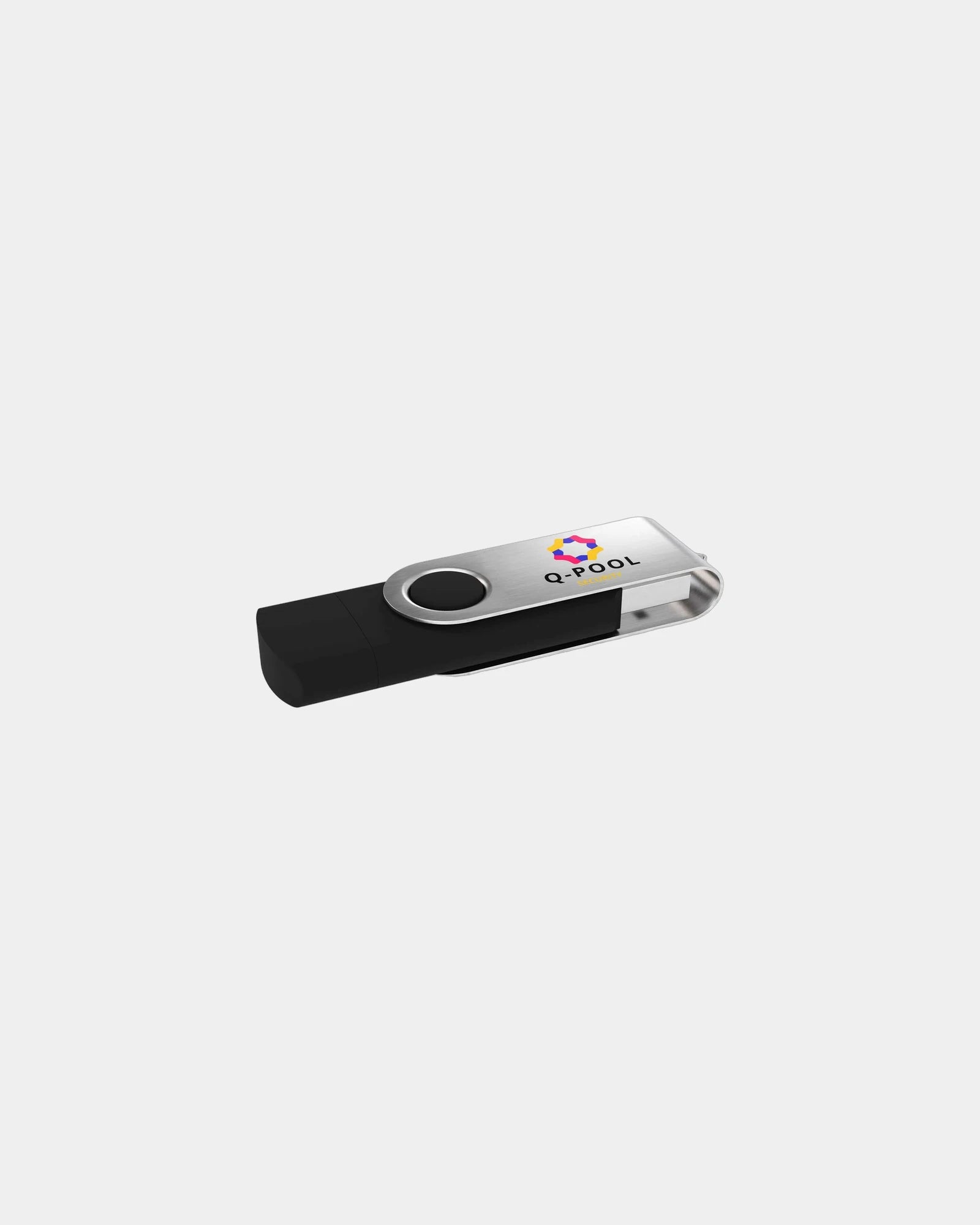


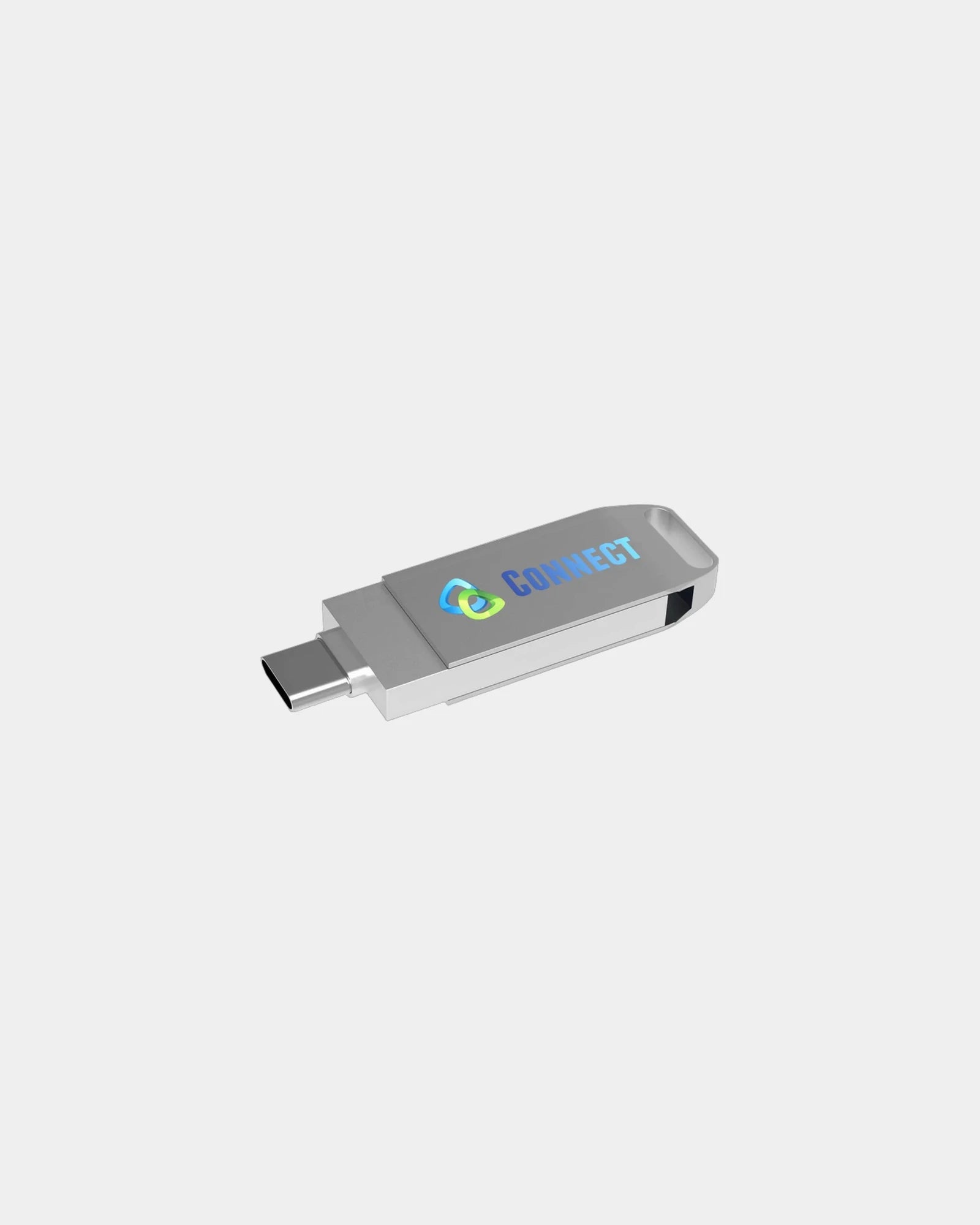


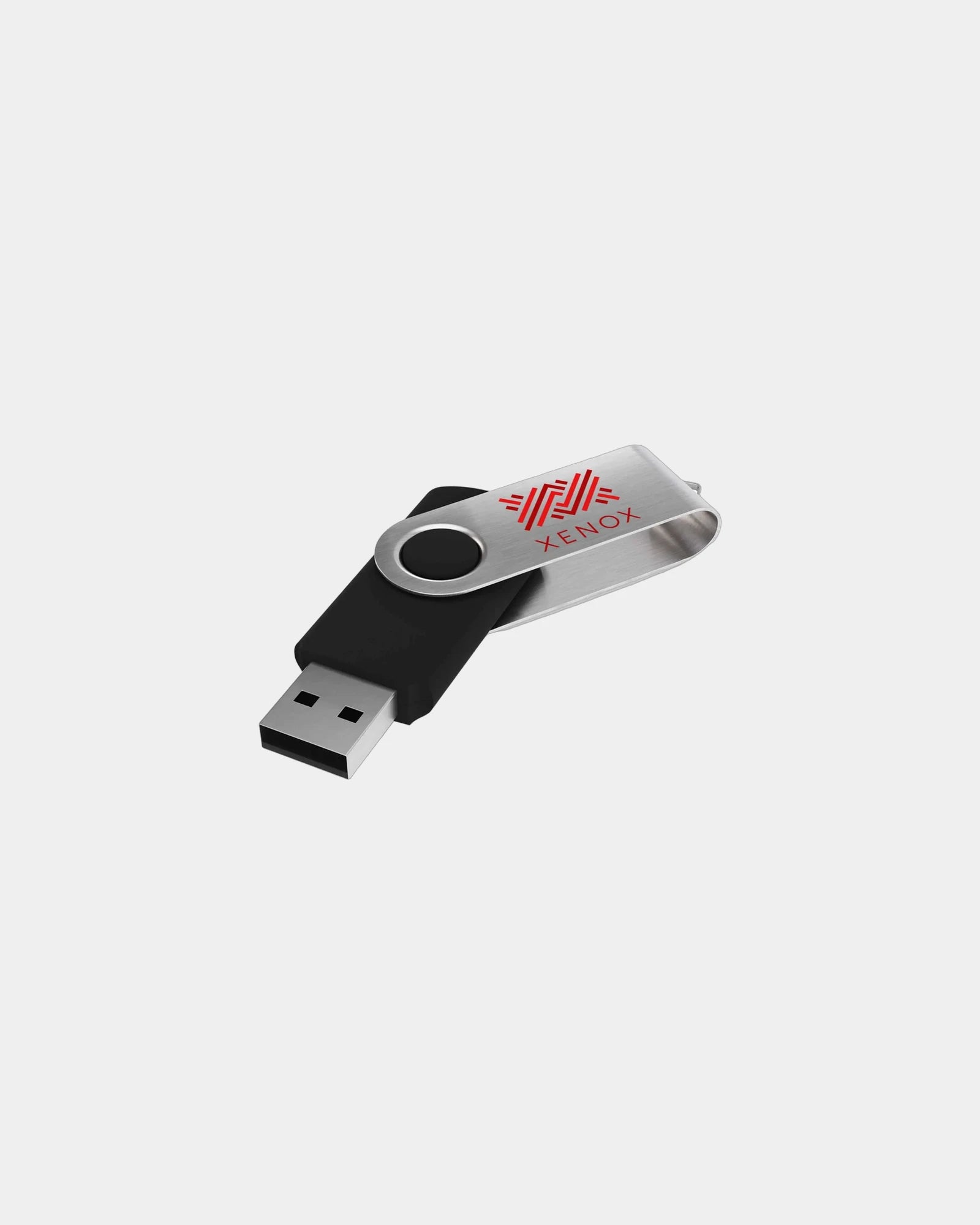


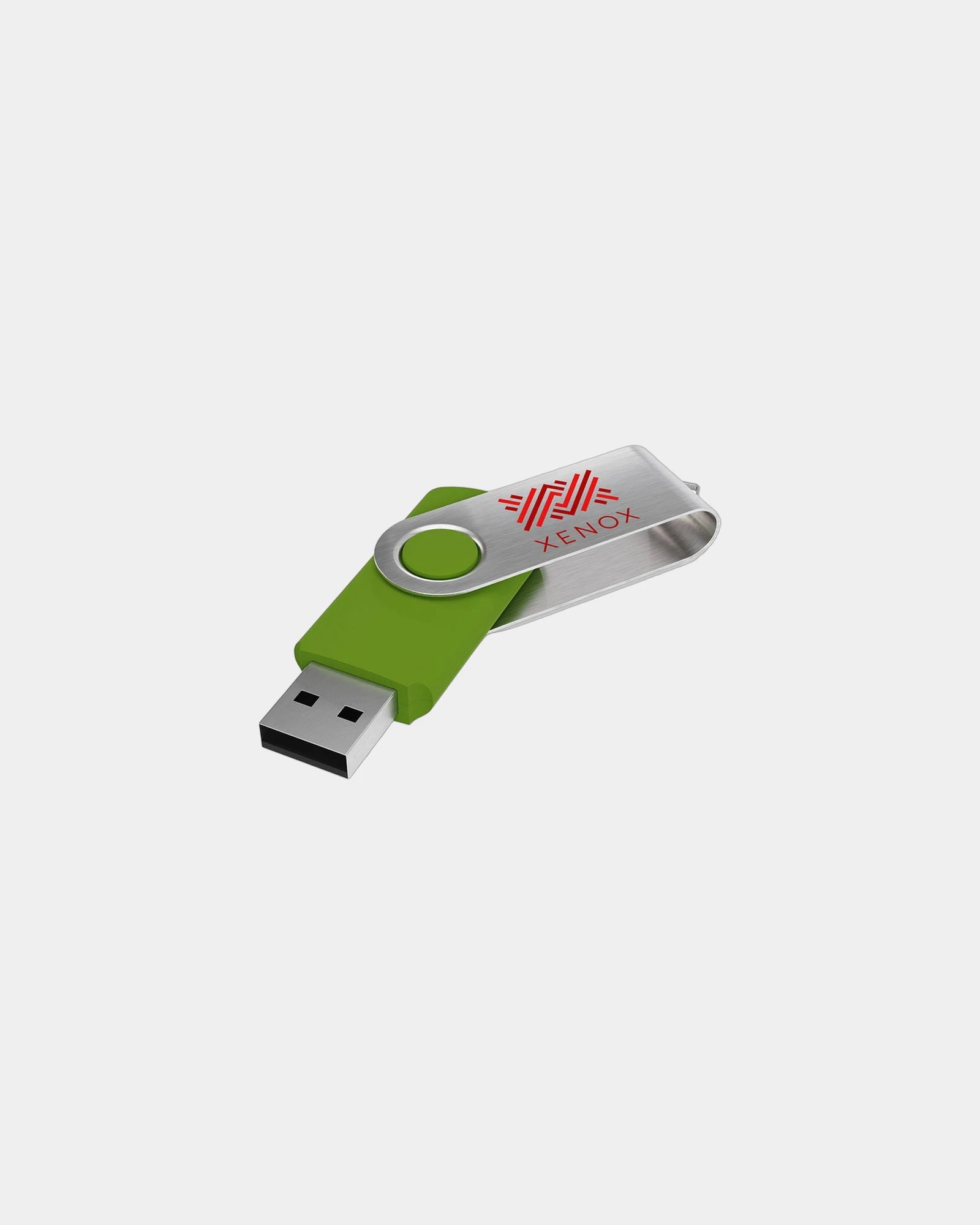








Treat your clients and employees!

FAQ - Branded USB sticks
Trusted by 1,000+ companies
Where personalised USB sticks still beat a download link
A product launch makes the case in one moment. A journalist leaves the room with a press pack already on the drive in their bag, while a shared link sits unopened three folders deep in their inbox. The physical object survives the walk to the car park; the link competes with two hundred others.
Personalised USB sticks work because they convert an intangible handover into something a recipient holds, pockets and reuses. A download expires from memory the instant the tab closes. A drive labelled with your logo gets plugged into a laptop weeks later, when the recipient needs the space, and your mark reappears on screen.
That reuse is the real return. Unlike a printed brochure that gets recycled by Friday, a drive is kept precisely because it is useful empty. Every time it is wiped and refilled with a recipient's own files, the casing keeps your name on the desk.
So the brief starts with the moment of handover, not the gigabytes. Decide who receives the drive and what they unplug from it on day one, then the capacity, the body and the marking fall into place around that scene.
Matching capacity to the files your promotional USB sticks carry
Capacity is a fit question before it is a technical one. A conference welcome pack holding a PDF agenda and a few logos needs a fraction of the room a video showreel demands. The size follows the content, not a headline number.
Promotional USB sticks span roughly 4GB to 128GB, and the sweet spot for most campaigns sits low. A 4GB or 8GB drive holds a brochure suite, a slide deck and a welcome video with room to spare, which keeps the per-unit cost sensible across a large run.
Step up only when the payload demands it. A film production handing over rushes, or a design studio shipping layered artwork, reaches for 32GB to 128GB. A single project file can run to several gigabytes on its own.
There is a hidden saving in sizing honestly. A smaller drive preloaded to near-capacity feels generous and deliberate, while an oversized one handed out half-empty reads as a stock clearance. Match the gigabytes to the handover and the gift feels considered.
| Capacity (approx.) | Holds comfortably | Typical use |
|---|---|---|
| 4GB | Brochures, decks, a short video | Event and conference handouts |
| 8GB | A full press kit with HD clips | Launches and onboarding packs |
| 16GB | Several videos or a photo set | Photographers, creative agencies |
| 32GB to 64GB | Raw footage, large design files | Production and studio handovers |
| 128GB | Archive sets and master files | Premium technical or client gifts |
USB 2.0, USB 3.0 and USB-C on personalised USB sticks
USB 2.0 and 3.0 on personalised USB sticks by transfer speed
The connector standard decides how a recipient experiences the drive, and the difference shows the moment a large file copies. A photographer dragging 40GB of raw images onto a USB 2.0 stick waits through a coffee break; the same transfer on USB 3.0 finishes before they have sat down.
USB 2.0 remains the economical baseline and suits document-led handouts where files are small and speed is irrelevant. Its read and write rates are modest, which is no drawback for a 4GB brochure drive distributed in volume.
USB 3.0, sometimes badged 3.1 or 3.2 Gen 1, is the choice once capacity climbs, because the standard moves data several times faster on large transfers. Personalised USB sticks at 32GB and above earn the upgrade, since nobody wants to wait minutes to load a showreel.
USB-C and dual-connector branded memory sticks for current hardware
USB-C answers the device question rather than the speed one. New laptops and phones drop the rectangular USB-A port, so a USB-C connector, or a dual-connector drive carrying both ends, keeps the personalised usb stick usable on current hardware. Name the standard in your spec, because the cheapest body defaults to USB 2.0 USB-A.
| Standard | Relative speed | Best fit |
|---|---|---|
| USB 2.0 USB-A | Baseline | Document drives, high-volume handouts |
| USB 3.0 USB-A | Several times faster | Video, photo and large-file payloads |
| USB-C | Speed model-dependent | New laptops and phones without USB-A |
| Dual connector (A + C) | Matches the port used | Mixed-device audiences, future-proofing |
Choosing the body and form factor of your personalised USB sticks
The body is where personalised USB sticks stop being a commodity and start saying something about the giver. A recruitment fair handing out two thousand drives wants a classic plastic twister. A law firm thanking a client wants a walnut or leather body that feels like a gift.
The classic and twister forms are the workhorses, with a swivel cap that cannot be lost and a broad flat face for a logo. The card or credit-card drive slips into a wallet and offers the largest print panel of all, which suits a full-colour design and a web address.
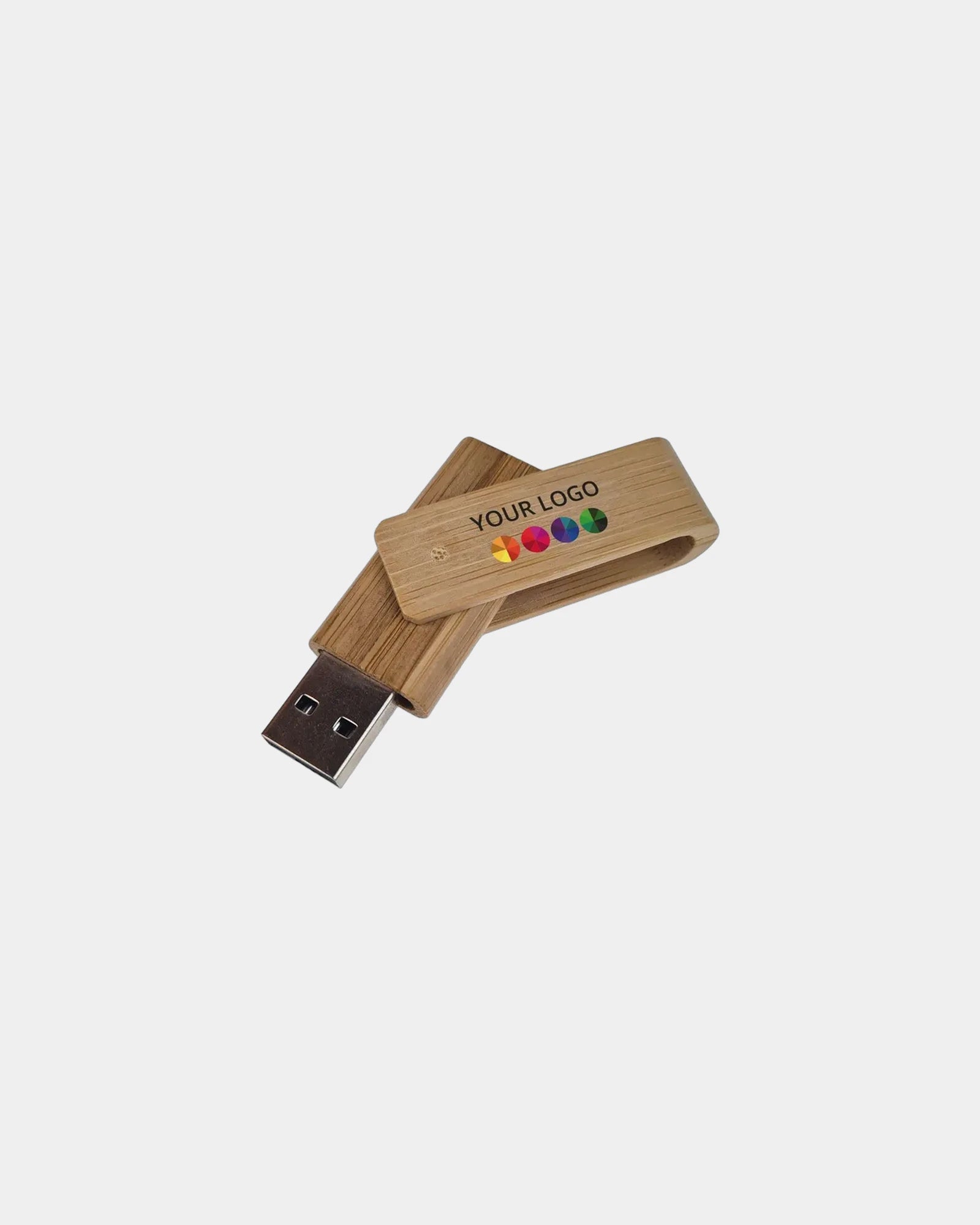
Natural and premium bodies change the register entirely. Wood and bamboo carry an eco message and take a warm engrave; metal reads as upmarket and holds a crisp laser mark; leather-wrapped drives suit executive gifts. A wristband drive turns the personalised usb stick into wearable kit for festivals and trade shows.
Branded power banks make a natural neighbour for a drive in a delegate bag. A flat phone and a lost file are the two frustrations a conference morning throws up. Pick the body that matches the recipient's eyebrow, then confirm the print area fits your artwork.
- Classic and twister: swivel cap, broad logo face, the volume default
- Card drive: wallet-sized, largest print panel, full-colour artwork
- Wood and bamboo: warm engrave, eco message, premium feel
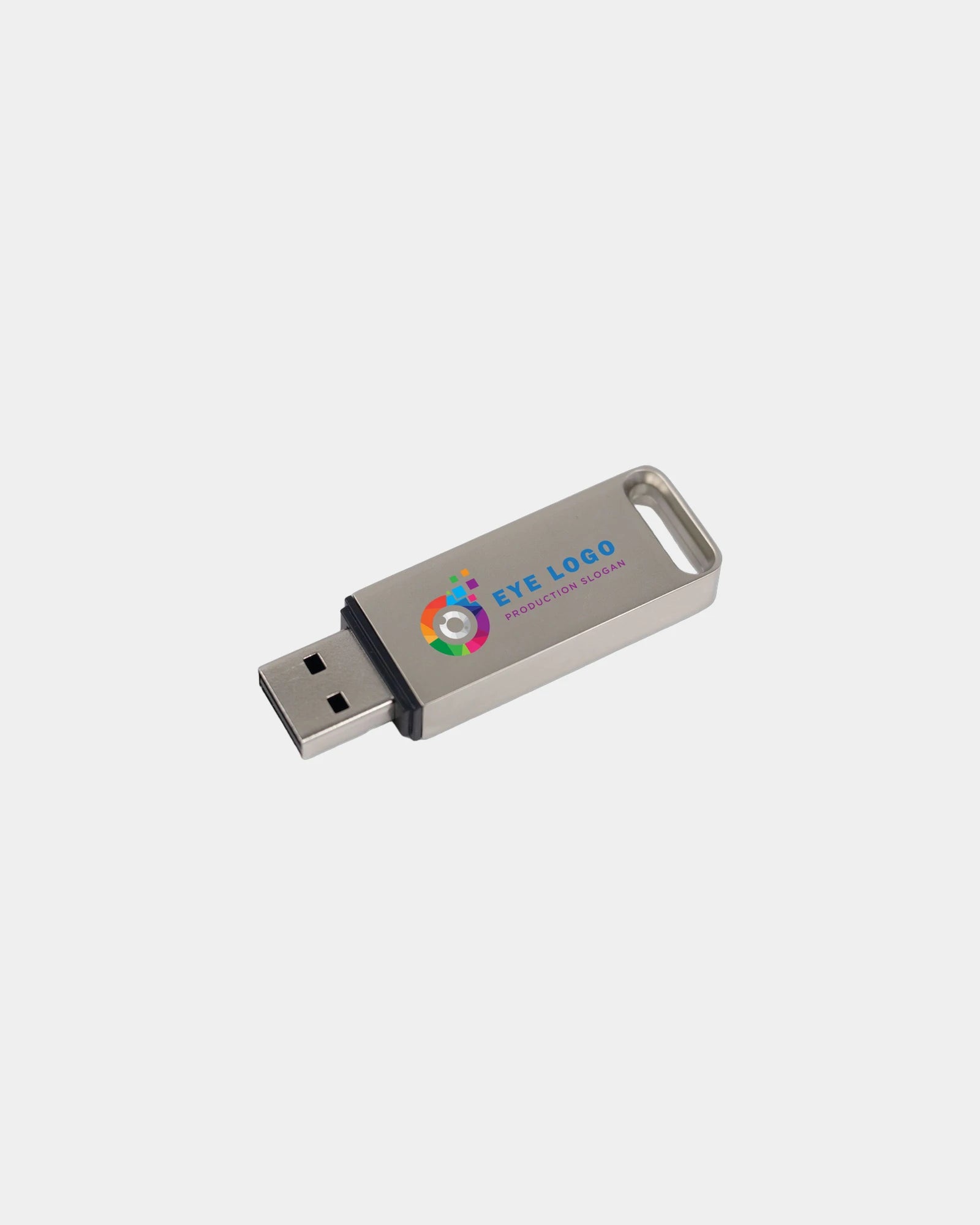
- Metal: crisp laser mark, upmarket and hard-wearing
- Leather-wrapped: executive client gifts and thank-yous
- Wristband: wearable storage for festivals and active events
Print, engrave and doming on printed USB sticks
How the logo lands on the casing depends entirely on the surface underneath it. A flat plastic card takes a full-colour digital print; a curved metal barrel suits a laser engrave; a domed badge lifts a label off a recessed panel. The body chosen in the last section sets the method here.
Full-colour print, applied by UV digital or pad printing, reproduces a logo with gradients and fine detail on plastic and coated bodies. It is the default for printed USB sticks at volume, fast to apply and forgiving of complex artwork across a long run.
Laser engraving removes a thin surface layer rather than adding ink, so it never rubs off and reads as permanent. On metal, wood and bamboo it produces a refined, tonal mark that suits a corporate gift where longevity matters more than colour.
Doming sits between the two. A printed label is sealed under a clear raised resin dome, giving a glossy, tactile badge that resists scuffing in a busy kit bag. Supply clean vector artwork and name your exact brand colours, and we provide artwork approval within 24 hours so you sign off before production.
| Method | Best surface | Finish |
|---|---|---|
| UV digital print | Flat plastic, card bodies | Full colour, fine detail |
| Pad print | Curved plastic | One or two solid colours |
| Laser engraving | Metal, wood, bamboo | Permanent, tonal, no colour |
| Doming | Recessed label panel | Glossy raised resin badge |
Preloading data so your branded memory sticks arrive ready to use
Preloading is what separates branded USB sticks from every other giveaway, and it changes the handover completely. Instead of an empty drive, the recipient plugs in and meets a welcome video, a brochure suite or a software trial already sitting in a folder named after you.
The content does the work the moment the personalised usb stick mounts. A trade-show drive can autoload a folder of product sheets. An onboarding drive can carry the staff handbook and a first-day video. A software vendor can ship a trial installer that runs straight from the device.
The mechanism is worth specifying. Preloaded files can be left open for the recipient to copy and delete. Or the partition can be write-protected, so the marketing content cannot be altered or wiped even when the drive is reused. We confirm which you want at order stage.
There is a logistics gain too. A drive that arrives preloaded skips the internal step of copying files onto hundreds of personalised usb sticks by hand before an event. The kit lands ready to hand out, which matters when a launch date will not move.
Data protection and GDPR when your promotional USB sticks carry content
The preload question raises a compliance one the moment any personal data is involved. Keep the loaded content to marketing material, brochures, videos and generic trials. A branded drive then sits clear of UK GDPR processing duties, because no individual records travel on it.
The picture changes if a drive carries customer lists, delegate details or any personal records. At that point the content becomes personal data in transit, and an unencrypted stick in a bag is a breach waiting to happen. For those payloads, specify a hardware-encrypted drive with a PIN or password.
Encrypted USB sticks lock the contents behind authentication, so a lost drive reveals nothing usable. This matters most for healthcare, finance and legal recipients, where a mislaid stick of records carries real regulatory weight rather than just embarrassment.
Where a drive joins an onboarding parcel, custom mouse mats give the new starter a branded surface that stays on the desk long after the files are copied off. State your content type up front, and we steer you to a standard or an encrypted body to match.
Read and write speed: what to promise on branded memory sticks
Speed only matters when files are large, but when it does, it shapes the whole experience. Branded memory sticks quote read and write rates in megabytes per second, and the two figures differ: drives nearly always read faster than they write.
For a document-led handout the numbers are academic, since a few small PDFs copy in a blink on any standard. The brief can ignore speed entirely and focus the budget on the body and the print instead.
For video and photography payloads, write speed is the figure to watch, because it governs how long a large transfer takes to load onto the stick in the first place. A USB 3.0 drive with a healthy write rate saves real minutes per unit across a production run.
We quote speeds as ranges, model-dependent, rather than a single guaranteed figure, because real-world rates vary with file size and the host machine. For a handover where transfer time is critical, name it in the brief and we match the controller to the job.
Who orders promotional USB sticks, and how the brief shifts
The audience reshapes every choice on the drive. A university freshers' team orders thousands of low-cost 8GB twisters preloaded with a campus guide. A boutique architecture practice orders fifty walnut drives engraved with a monogram for project files.
Creative sectors lean on capacity and speed, since photographers, film crews and design studios move large files and judge a drive on how fast it loads. Their bodies tend toward metal or a clean classic that survives daily handling on a shoot.
Corporate and professional services lean on finish and discretion, where a restrained engrave on a metal or leather body suits a formal client gift. Healthcare, finance and legal recipients add the encryption requirement on top, driven by the records they handle.
Events and marketing teams sit in the middle, balancing volume, preload and a strong print. A delegate who pockets a drive at a stand will reach for branded charging cables on the train home, so the two earn their place in the same conference giveaway.
Minimum orders, lead time and planning your personalised USB sticks run
Quantity steers the body, the marking and the timeline together on a USB order. Minimum runs typically start from approximately 50 units, which keeps a pilot batch or a small executive gift viable without committing to thousands.
The volume bands shift what is sensible underneath. A run of 50 to 100 carries premium bodies and engraving comfortably. A few hundred moves toward full-colour print on plastic. Several thousand favours the economical twister, where the per-unit price drops sharply.
Lead time runs around three weeks after artwork approval for a standard run, and preloading adds little to that once the files are supplied clean. Encryption setup or a fully custom-moulded body extends it, so name a fixed event date early.
A hybrid-team welcome kit might set the drive next to branded earbuds, where the case lid carries your logo through every call while the stick holds the handbook. Settle quantity, body and deadline together rather than fixing one in isolation, and the quote comes back clean.
| Quantity | Body tendency | Marking | Per-unit price |
|---|---|---|---|
| From approx. 50 | Metal, wood, leather | Engrave or doming | Higher |
| 100 to 250 | Classic, card, metal | UV or pad print | Moderate |
| 500 to 1,000 | Classic and twister | Full-colour print | Lower |
| 2,000+ | Economical twister | Single or full colour | Lowest |
Packaging and presentation for premium printed USB sticks
A drive worth engraving deserves more than a polybag, and the packaging sets the moment it is opened. An executive thank-you lands differently in a magnetic gift box with a foam insert than loose in a delegate tote, even when the drive inside is identical.
The options scale with the gift. A volume handout ships in a simple sleeve or blister, which keeps cost down for a two-thousand-unit run. A client gift moves up to a recycled-card box, a drawstring pouch or a wooden case that frames the stick as a considered object.
Presentation also protects the connector. A fitted insert stops the cap working loose in transit, so the drive arrives clean rather than scuffed. For an eco-led brief, recycled card and a cotton pouch replace plastic and double as something the recipient reuses.
Inside a magnetic gift box, a branded wireless charger and an engraved drive share one foam insert and one brand treatment. The pairing reads as a considered client gift, not two loose handouts.
Pairing printed USB sticks with the rest of a tech handover
A drive rarely travels alone in a delegate bag, so the pairing is worth settling alongside the stick itself. A flat phone and a lost file are the two frustrations a conference morning throws up. That is why a power bank sits so naturally beside branded USB sticks in one giveaway. A charging cable then covers the train home, and an engraved drive holds the handbook a new hire copies off on day one. Brief each as its own line, since the run sizes and price bands differ.
Match the pairing to the audience and the moment. An events team balances volume, preload and a strong print across the set, while a corporate client gift leans on a metal drive and a leather-bodied companion in one box. We confirm the body, the marking and the packed sizes for each shortlisted line, then quote them as one shipment so the kit dispatches together. A free sample of the drive lets the print register be checked before the wider tech pack is locked.
Durability and how long personalised USB sticks really last
Recipients keep a drive for years, so its lifespan is a fair question. The flash memory inside personalised USB sticks stores data without power. A stick left in a drawer holds your preloaded brochure intact long after the launch it was made for.
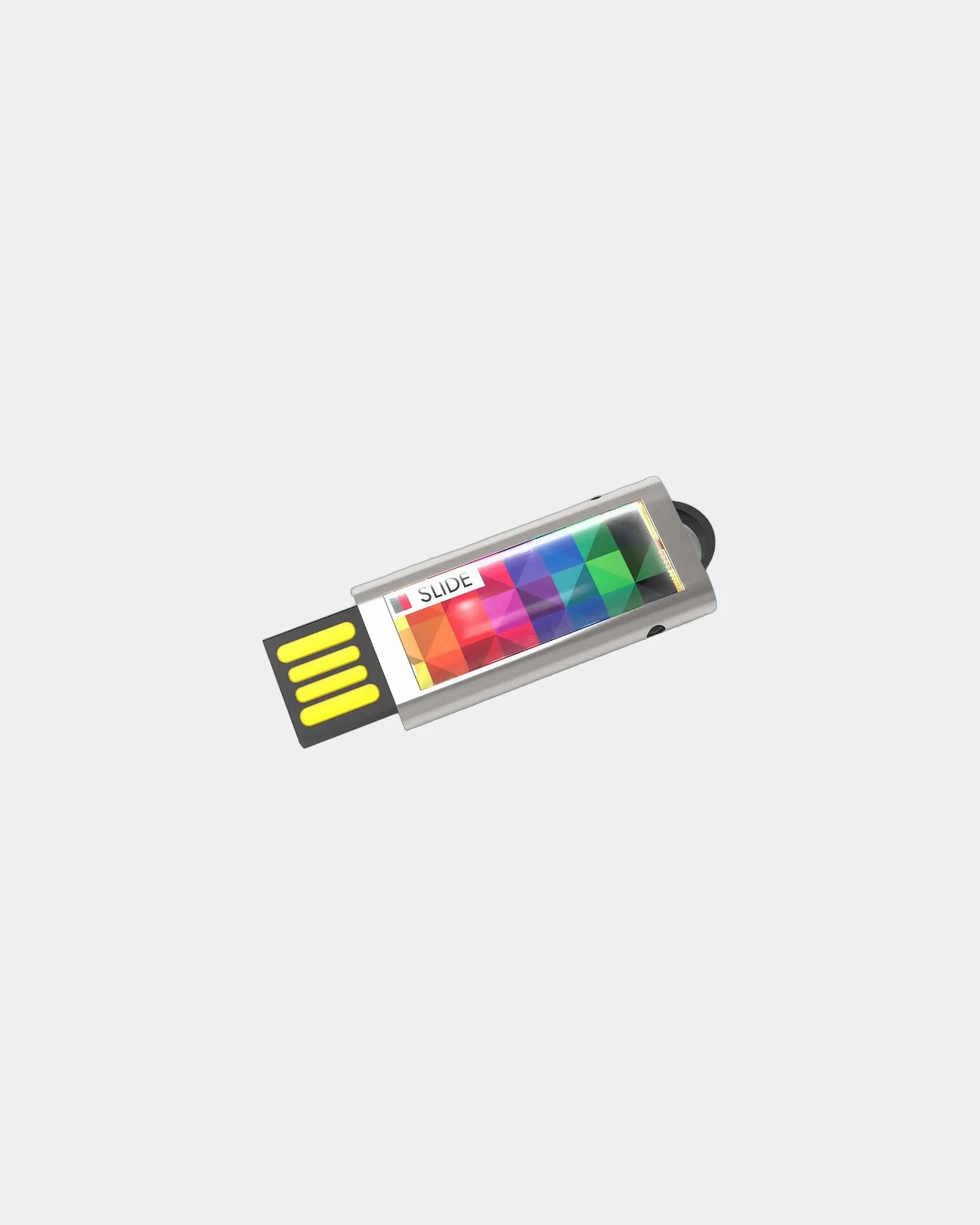
The casing matters as much as the chip for everyday survival. A metal or wood body shrugs off a kit bag, while a capless or retractable design removes the one part a recipient always loses. A swivel cap solves the same problem on a classic body.
Flash memory does wear with heavy rewriting, but normal promotional use never approaches that limit. A recipient copying files on and off a few times a month will retire the drive for fashion long before the memory tires, so the practical lifespan is the casing's.
For a broader pick across the tech category, our Branded tech gadgets range groups items by the job they do. A drive then slots in beside the right companion for a given audience, rather than padding a bag.

