

Branded computer accessories
- Price, low to high
- Price, high to low

























































Treat your clients and employees!

FAQ - Promotional computer accessories
Trusted by 1,000+ companies
What counts as branded computer accessories on this hub, and what does not
Computer accessories here means the kit that plugs into, supports or powers a laptop: input devices, carry and protection, stands, and charging hardware. It deliberately excludes notebooks, pens, mugs and desk lighting, which sit on the separate desk-accessories hub.
Drawing that line keeps a tech-rollout brief clean. A buyer kitting out forty new laptops wants branded computer accessories that match the device, not a drawer of general office sundries.
The page is organised twice over: once by workstation zone, and once by the scenario you are buying for. Use whichever entry point fits your brief, then follow the link into the specific range.
The four workstation zones these personalised computer accessories cover
Every laptop setup splits into four jobs: input, carry and protect, power, and the surface the machine sits on. Mapping computer accessories to those zones stops a kit arriving with three mice and no way to charge them.
- Input: a wireless mouse and a printed mat that frames it
- Carry and protect: a padded sleeve sized to the laptop
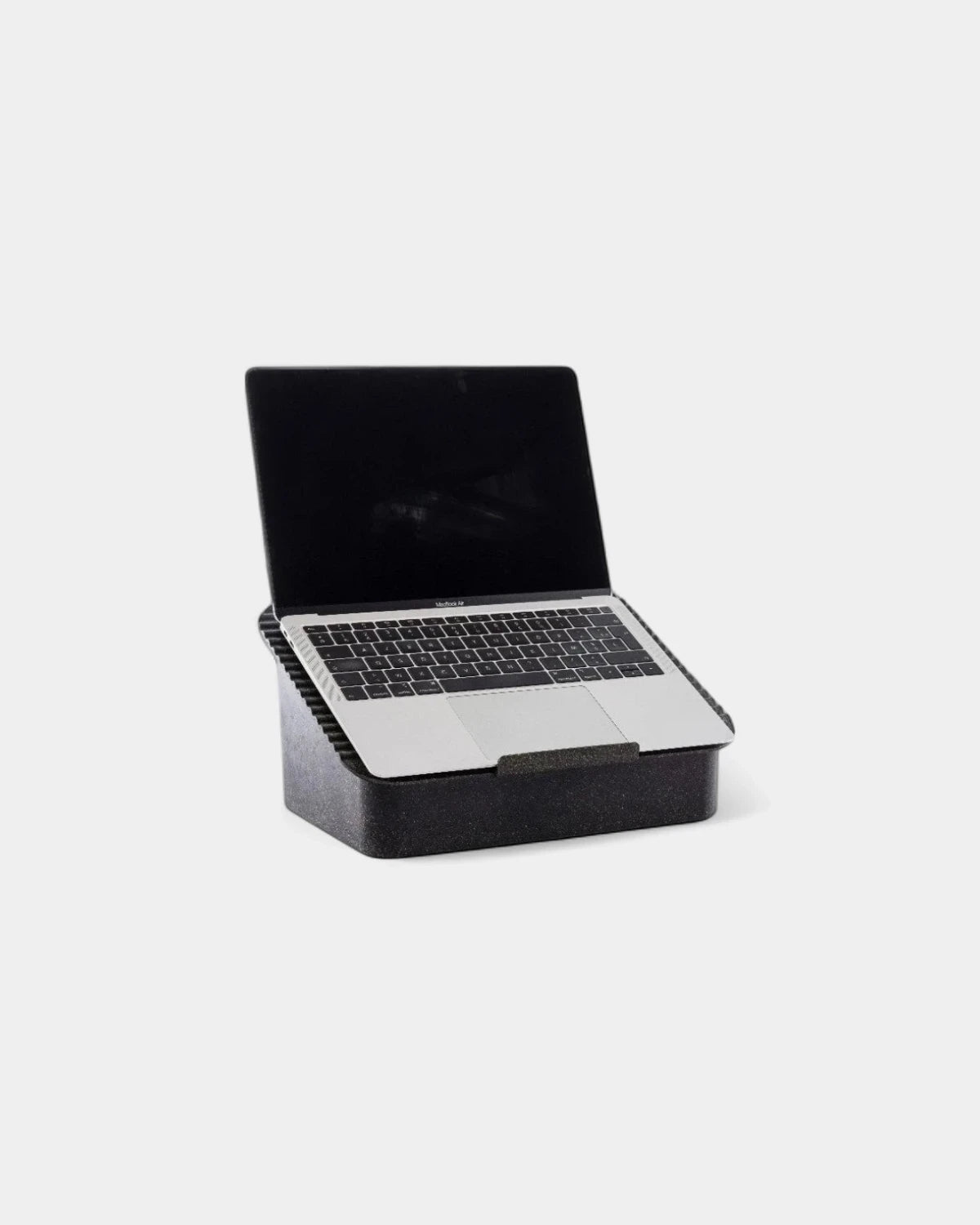
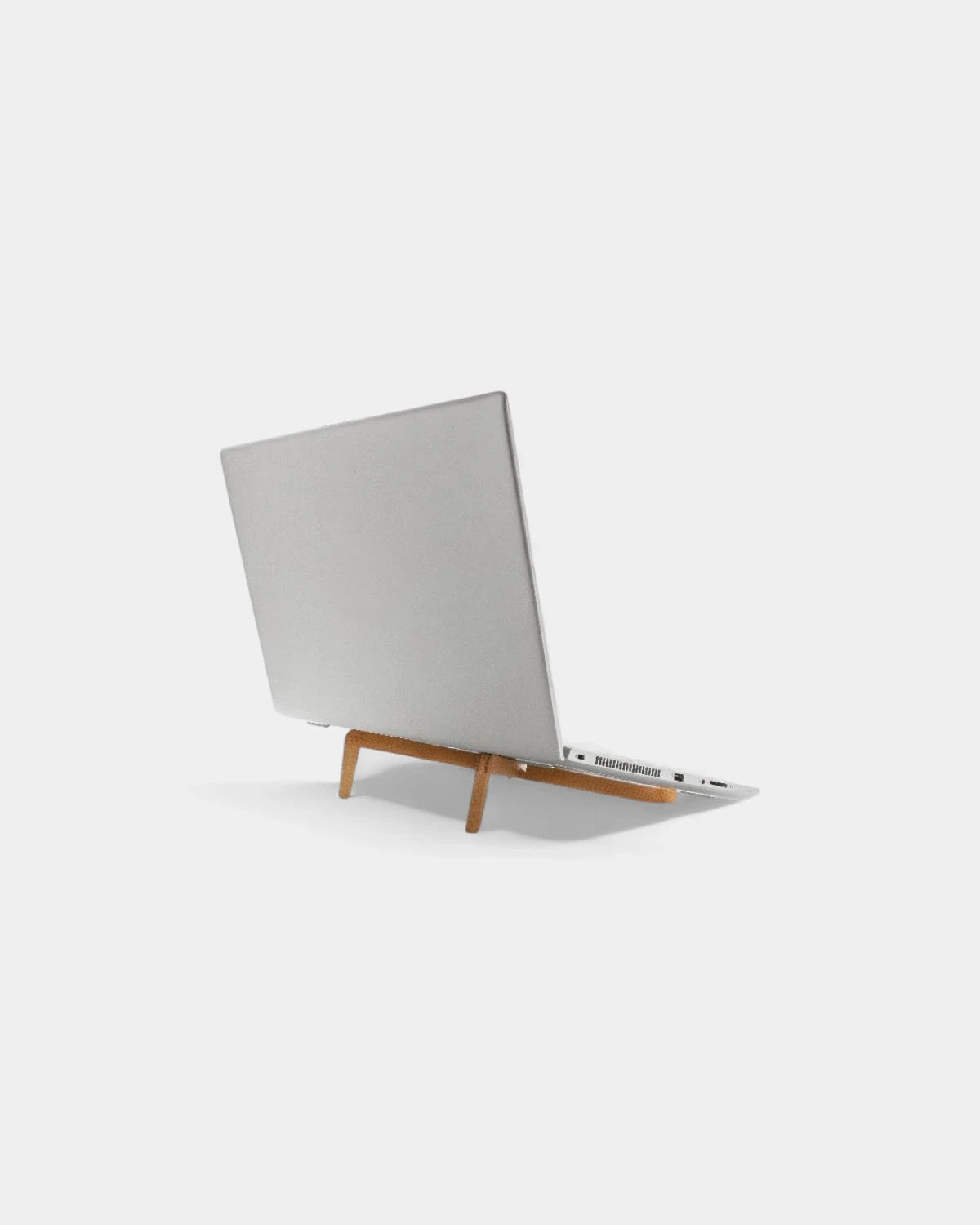
- Surface and posture: a stand that lifts the screen to eye line
- Power: a charger plus the cable that actually reaches
- Audit: one accessory per zone before you sign off the kit
The list above is the quickest sanity check before approval. The sections that follow take each zone in turn and hand you off to the delivered product page. Run the audit line last, because it is the step that catches the gap a busy buyer misses. A kit that looks complete on a spreadsheet can still ship with no way to charge the laptop it was built around. One promotional computer accessories item per zone, confirmed against the device, is the rule that keeps a rollout clean.
| Zone | What it solves | Range to brief |
|---|---|---|
| Input | Pointer control and a clean surface | Mice and mats |
| Carry and protect | Transit knocks and scratches | Sleeves |
| Surface and posture | Screen height and airflow | Stands |
| Power | Flat battery away from a socket | Chargers and cables |
Input custom laptop accessories: the mouse and mat pairing
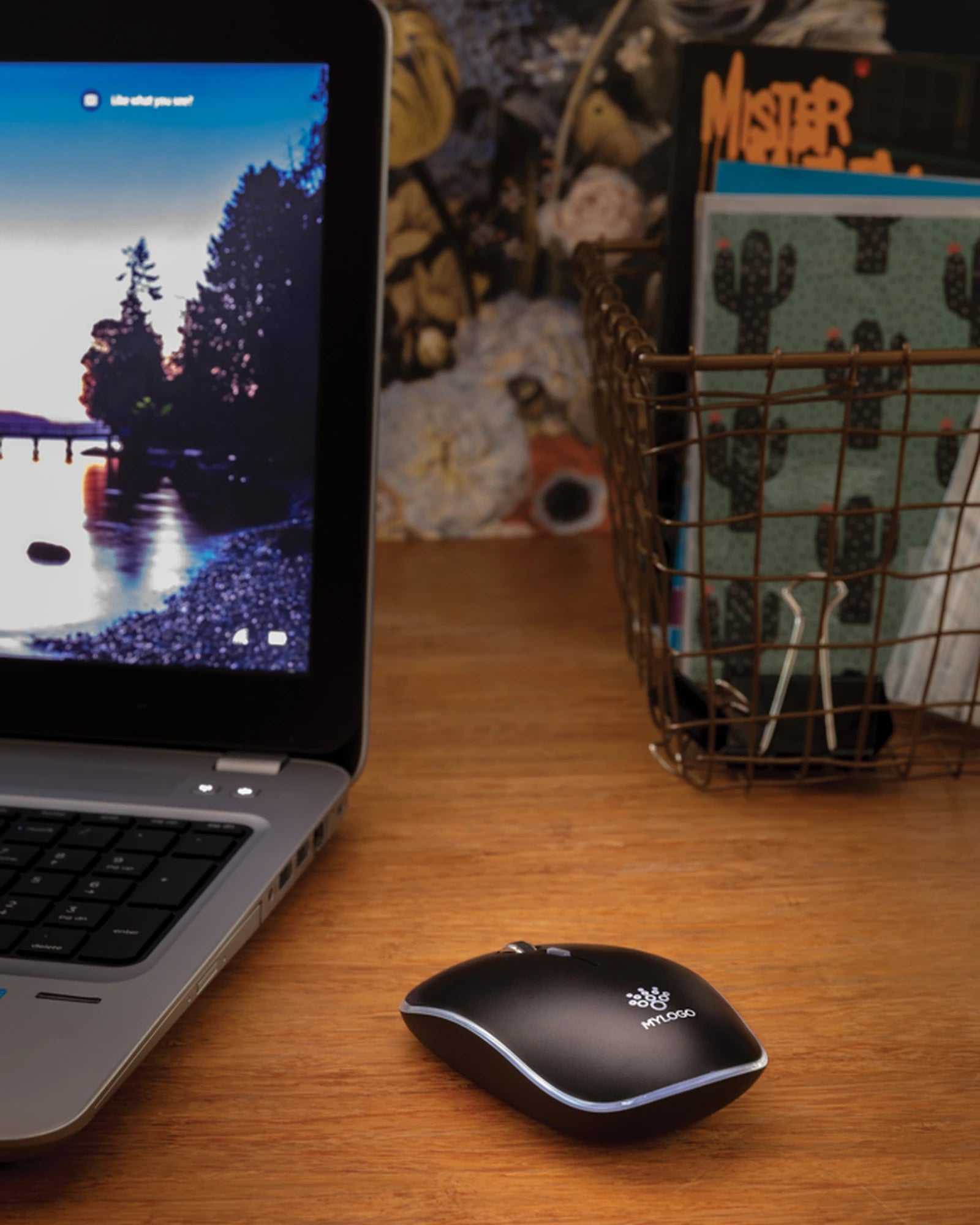
The input zone is where a logo gets handled daily, so it earns the closest attention. A wireless mouse used eight hours a day puts your mark under a palm far longer than any one-off flyer.
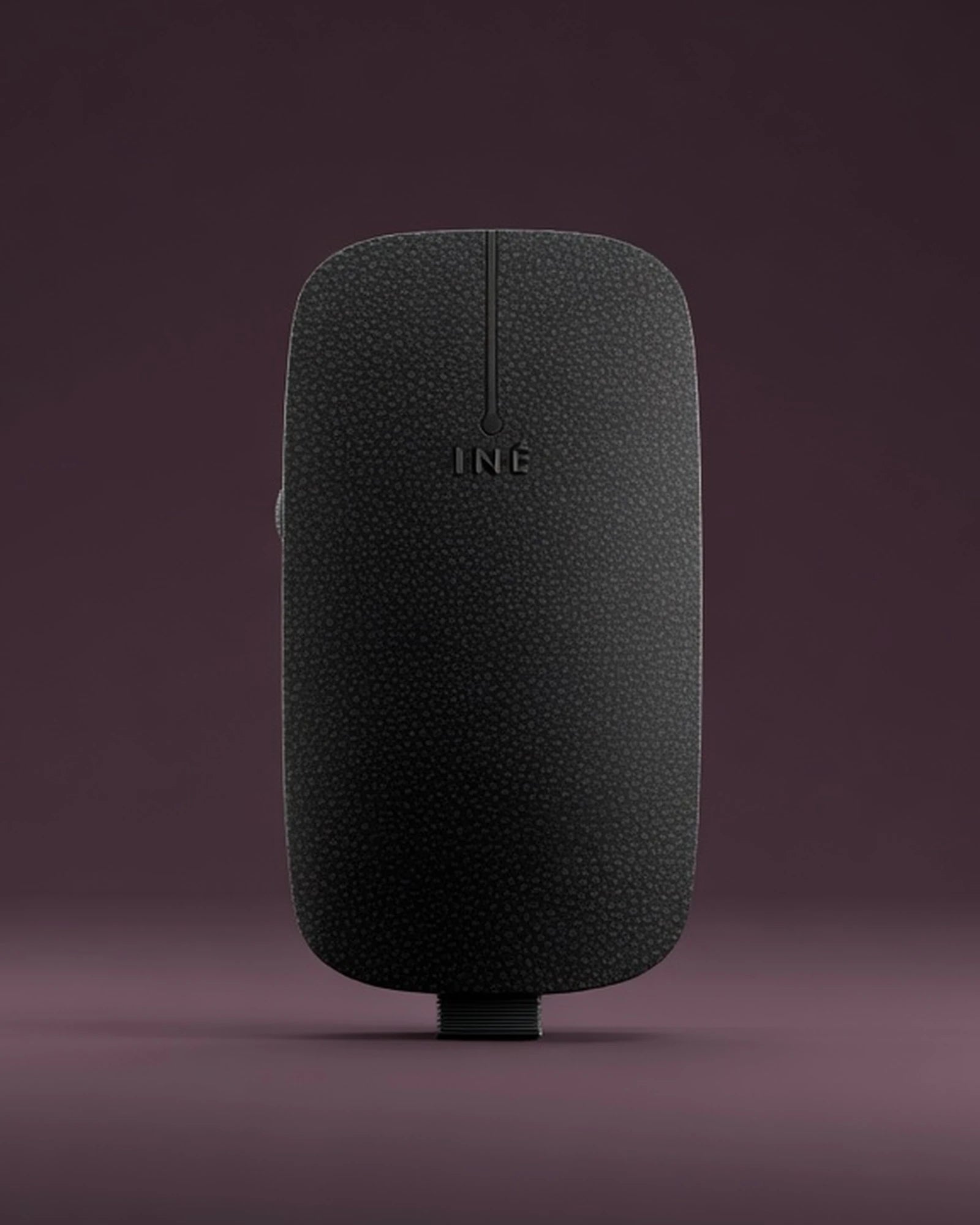
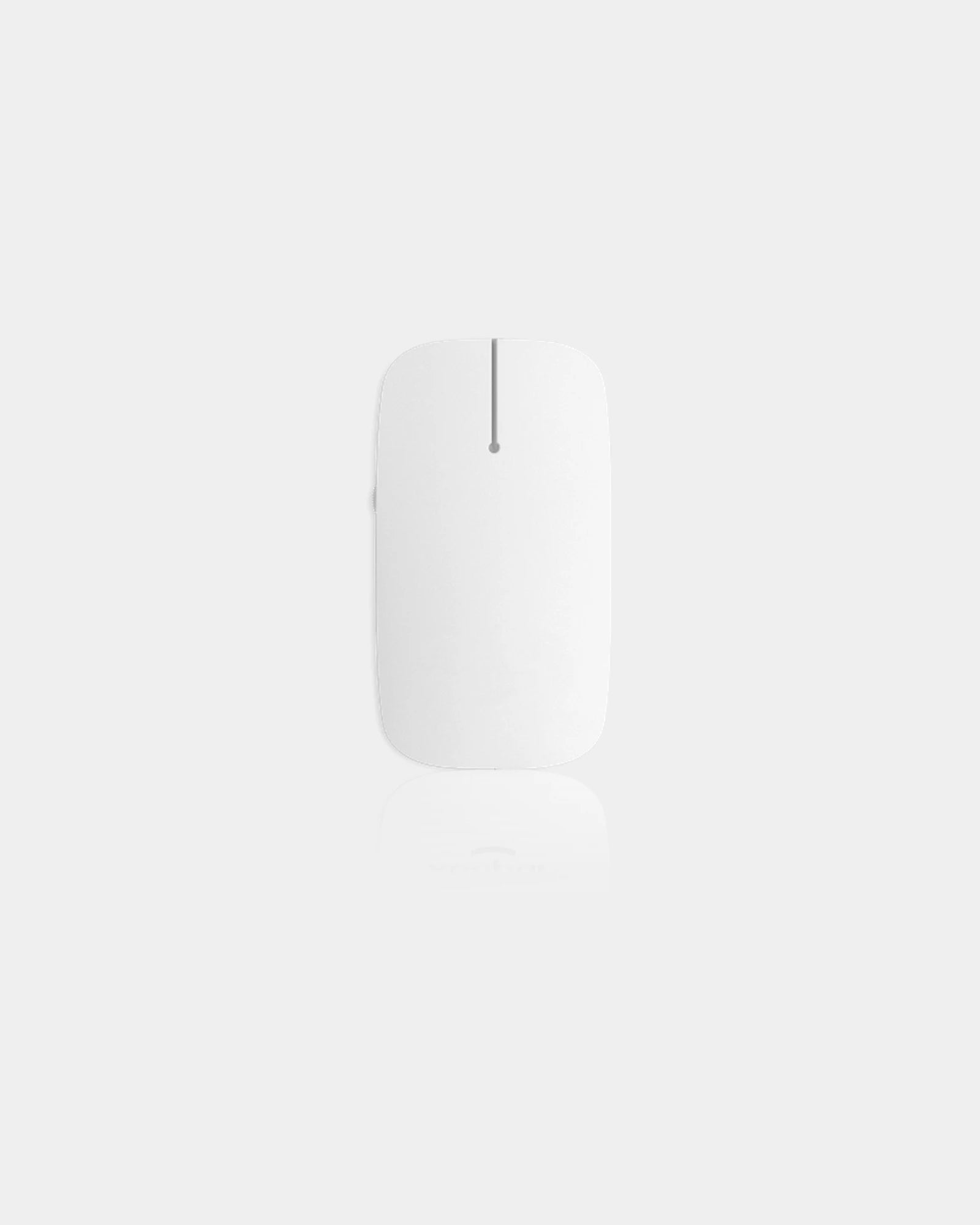
Branded Computer Mice cover the pointer itself, from slim travel models to full-size ergonomic shells, with the marking options set out on that range.
Pairing the mouse and mat as one set of branded computer accessories
Pair the pointer with the surface it runs on, because a mouse and its mat read as one branded unit at the workstation. Buyers who order one without the other end up with a mismatched setup.
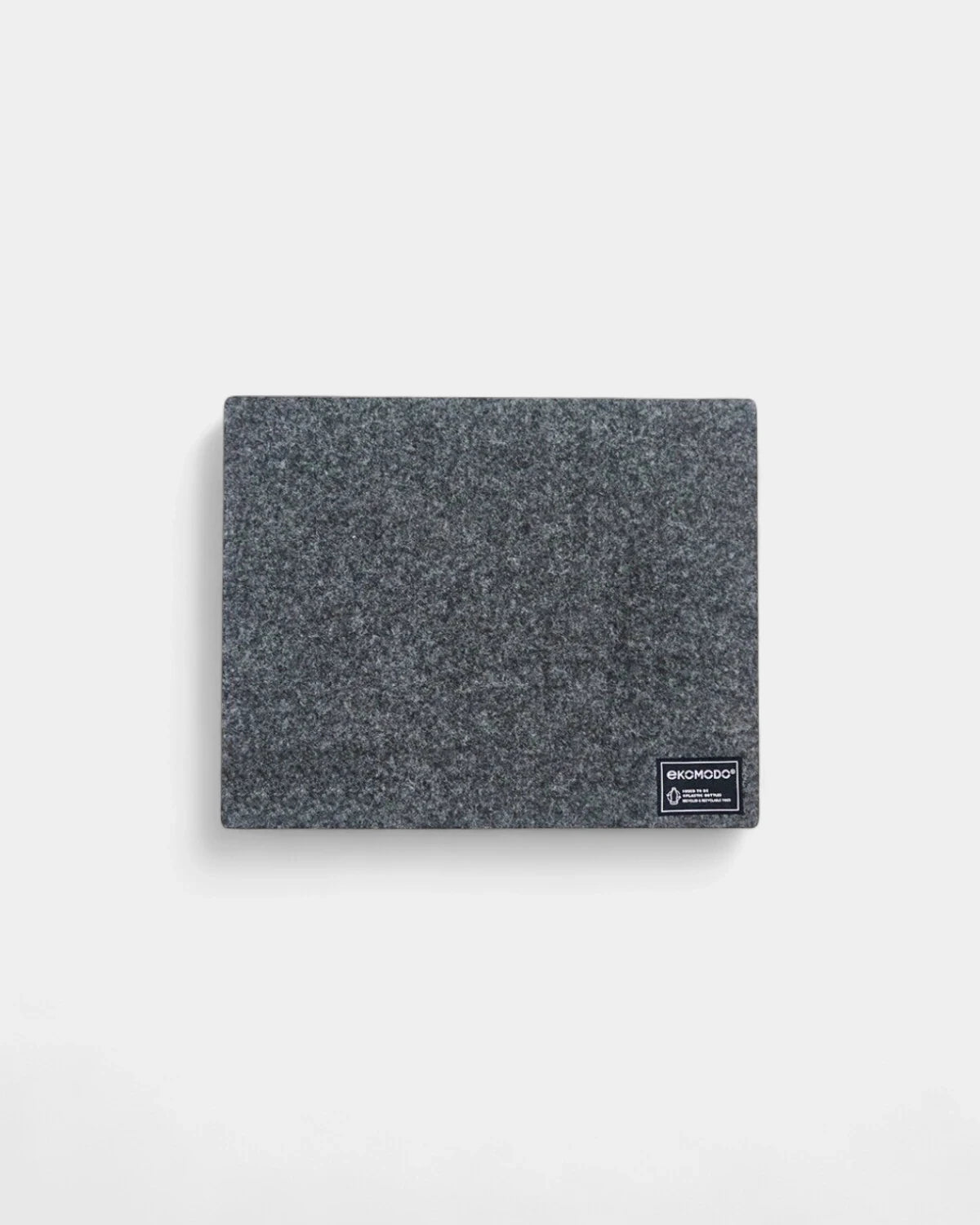
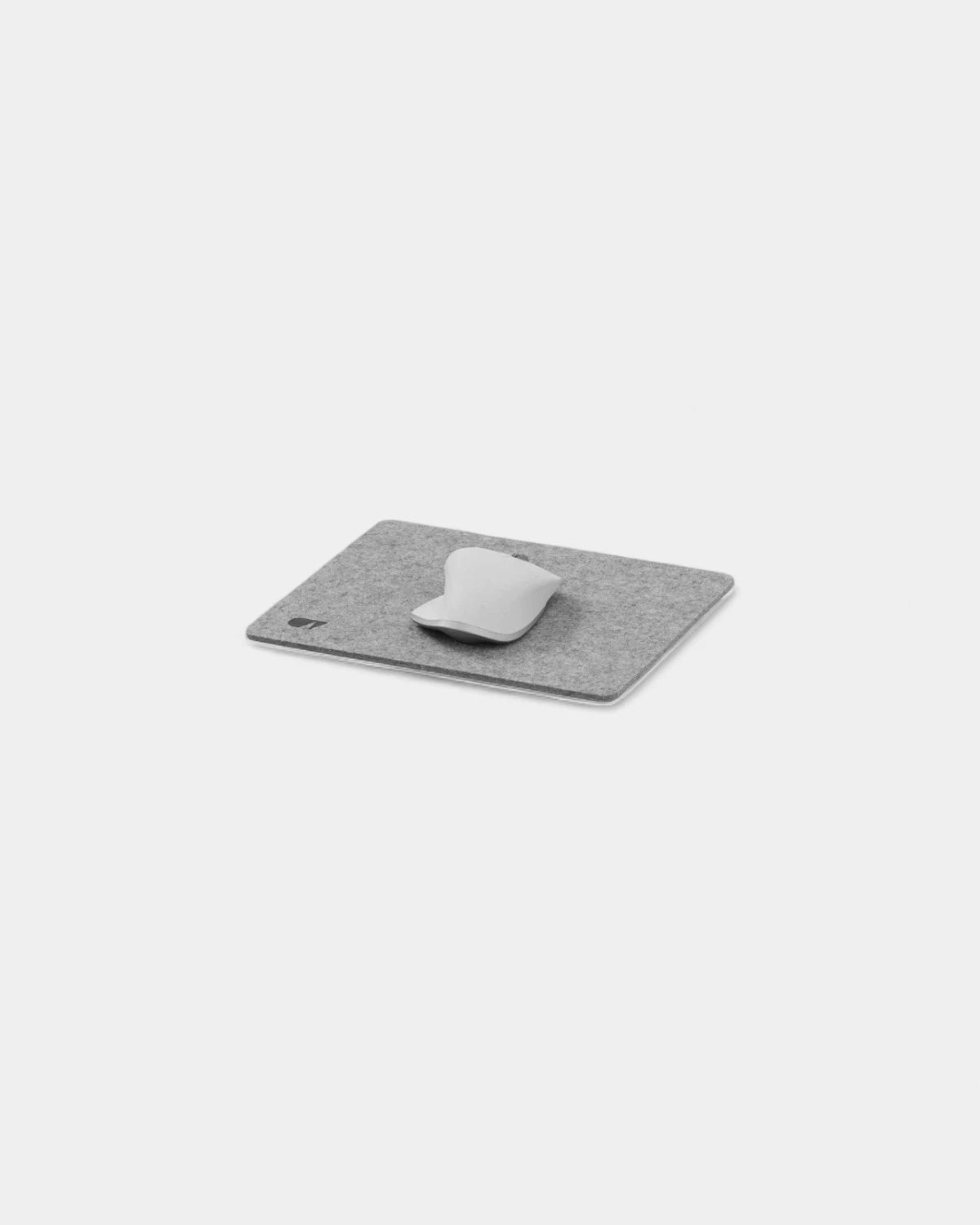
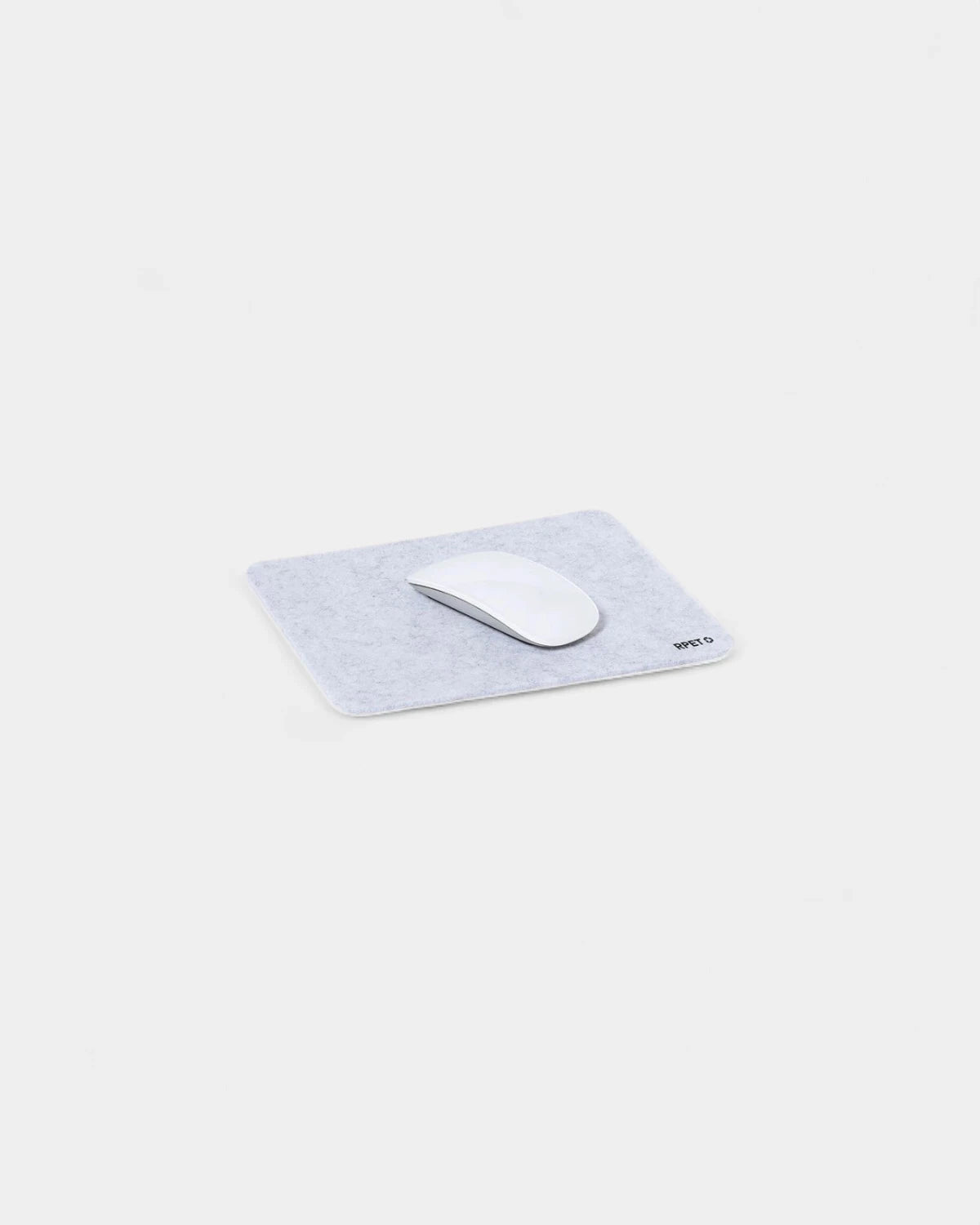
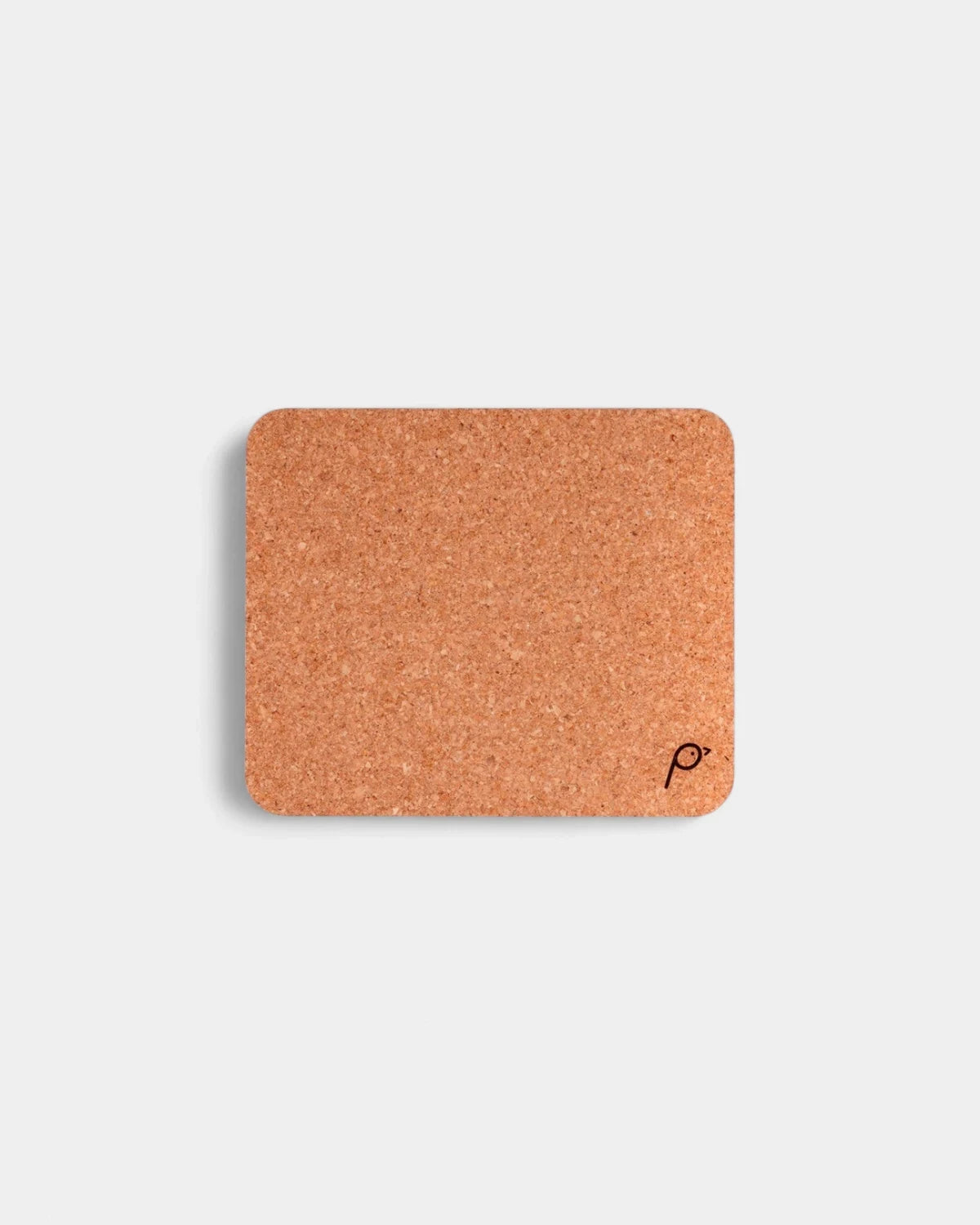
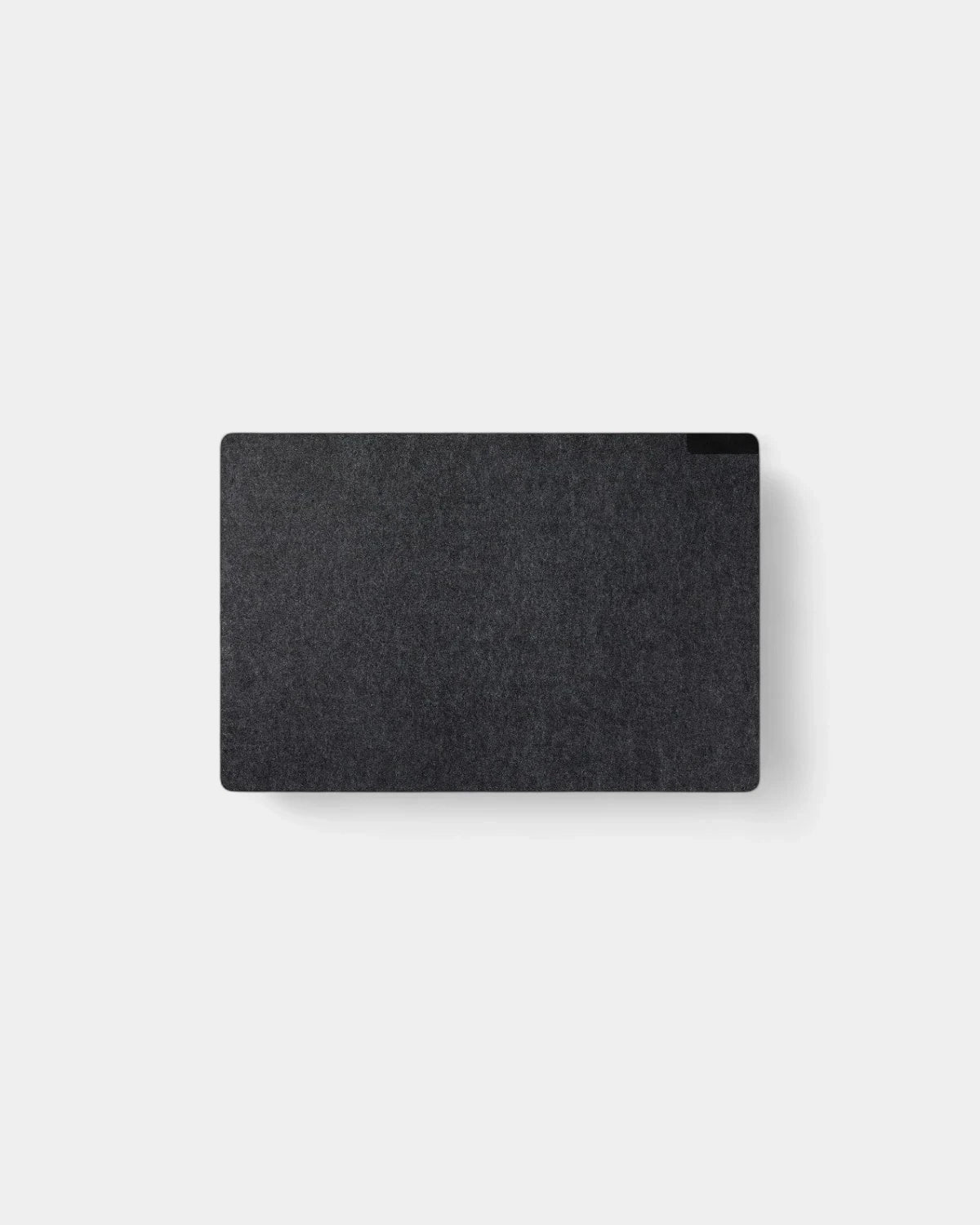
The mat underneath frames the mouse and gives a second branded surface at the same workstation. For sizing, edge finish and full-bleed print, send buyers to Custom mouse mats rather than guessing dimensions here.
Carry and protect branded computer accessories for the laptop in transit
A commuting laptop takes knocks in a backpack, a hot-desk move and an overhead locker. The carry layer is the promotional computer accessories job that protects the most expensive item in the kit.
A sleeve sized to the exact screen diagonal matters more than any other spec; a 13-inch machine rattling in a 15-inch sleeve is worse than no sleeve. The delivered Branded laptop sleeves list the sizes and padding so you can match the fleet.
For embroidery versus print on the sleeve face, and tablet-sized options, that range carries the detail. This hub only flags that you should size before you brand. Get the order wrong and the protection is lost on day one, which defeats the point of buying carry computer accessories at all. Confirm the screen diagonal across the whole fleet first, then choose the decoration once the fit is locked. A mixed fleet of 13-inch and 15-inch machines needs two sleeve sizes, not one compromise size that fits neither well.
Surface and posture personalised computer accessories: stands that lift the screen
Picture a new hybrid starter alternating between a kitchen table and a hot desk. A folding stand turns either surface into a screen-at-eye-line setup, which is the posture point HR buyers raise most.
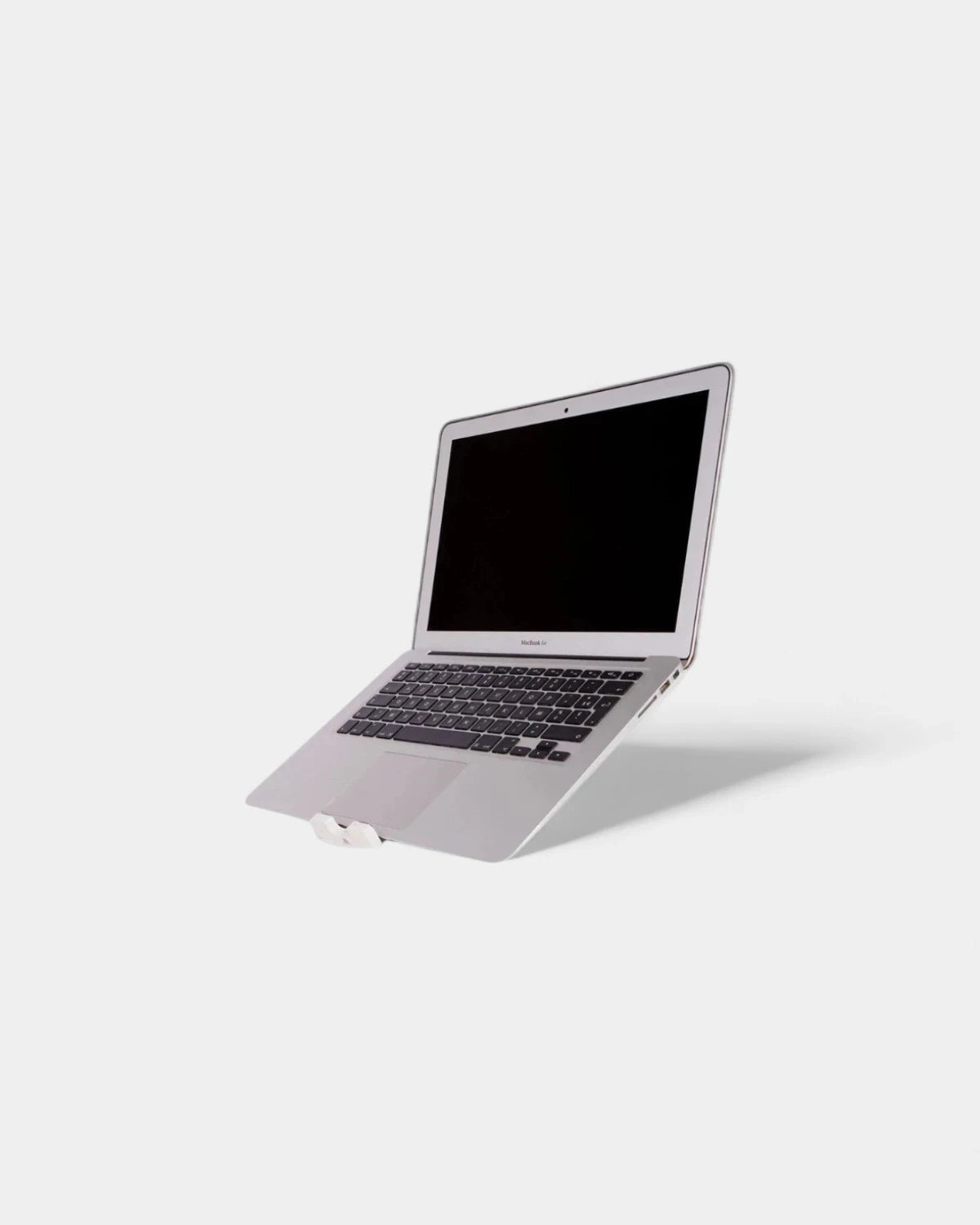
Stands also help airflow under a laptop that throttles when it runs warm. The aluminium and folding options, plus their weight ratings, sit on Custom laptop stands for the spec-level choice.
On this hub the stand earns its slot as the posture-and-cooling answer in the kit. Where the logo lands on a folding frame is covered on the range itself.
Power custom laptop accessories: chargers and the cable that reaches
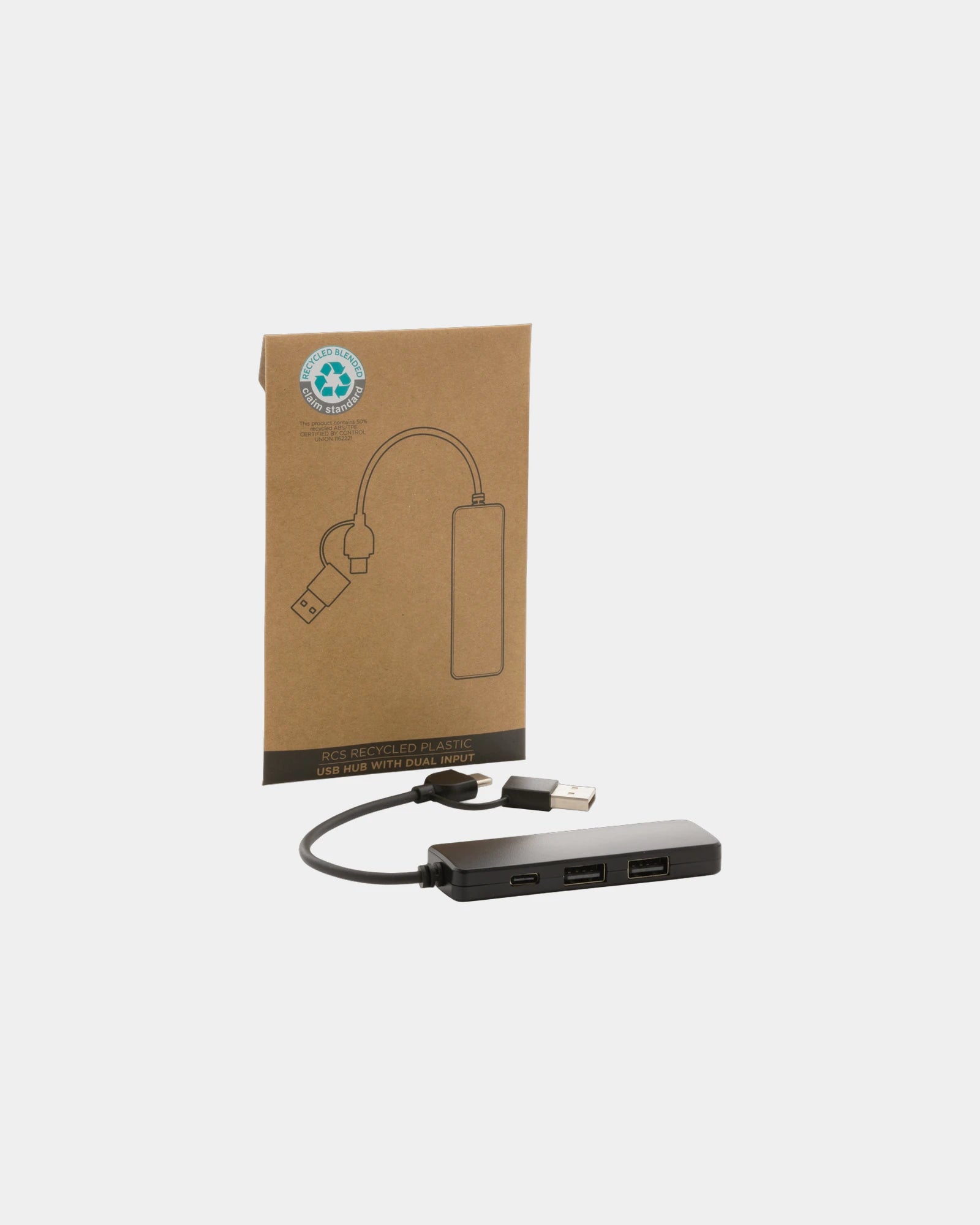
A flat battery in a meeting room with no spare lead is the failure mode power computer accessories exist to remove. Two parts solve it: a charger with the right output, and a cable long enough to reach the only free socket.
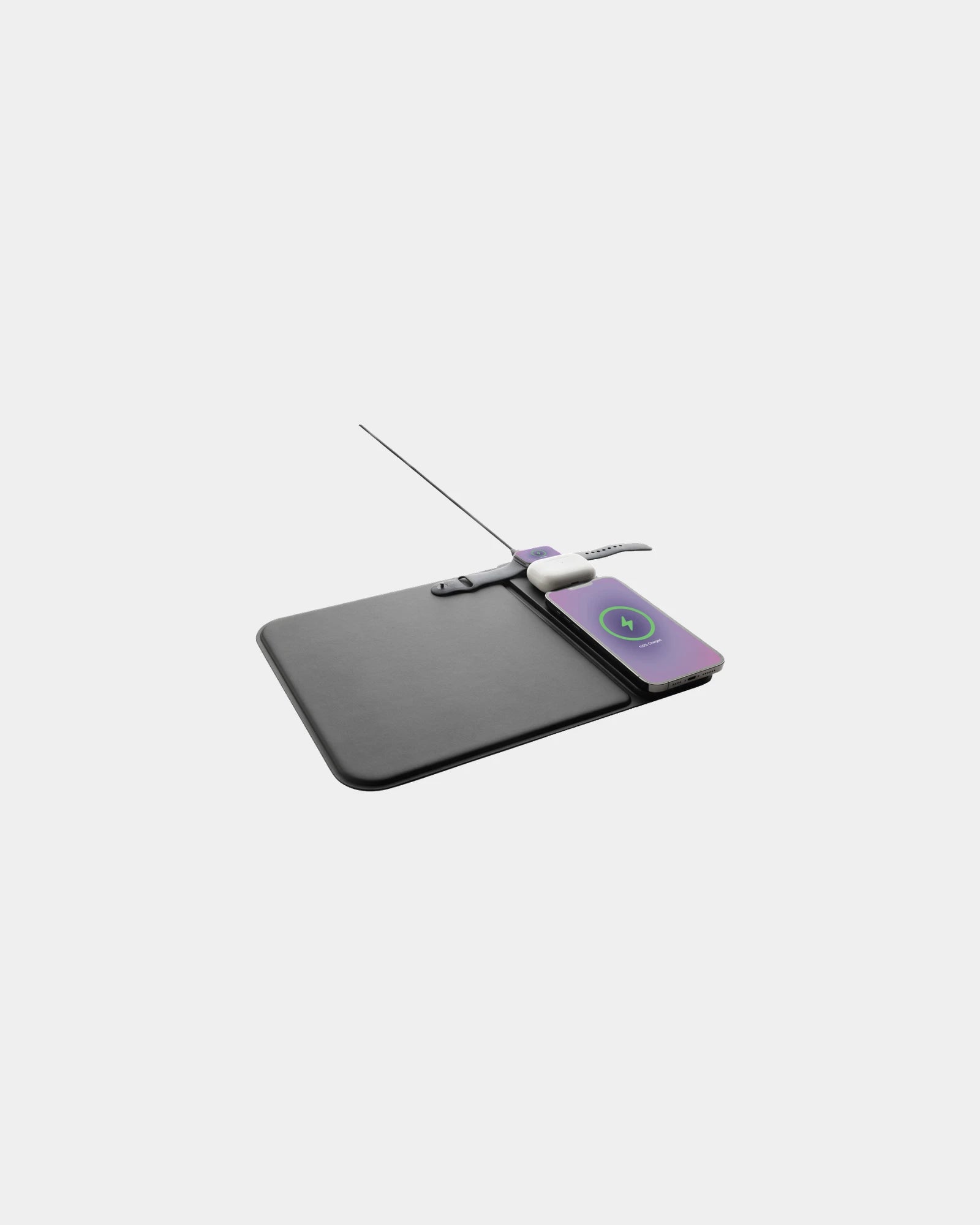
Output in watts decides whether a charger tops up a phone or actually runs a laptop, so it is the figure to confirm against the fleet. The wattage bands and port mix are listed on Custom chargers.
The cable that completes your branded computer accessories
A charger is only half the answer; without the right lead it powers nothing. Buyers routinely approve the charger and forget the cable that connects it to the device.
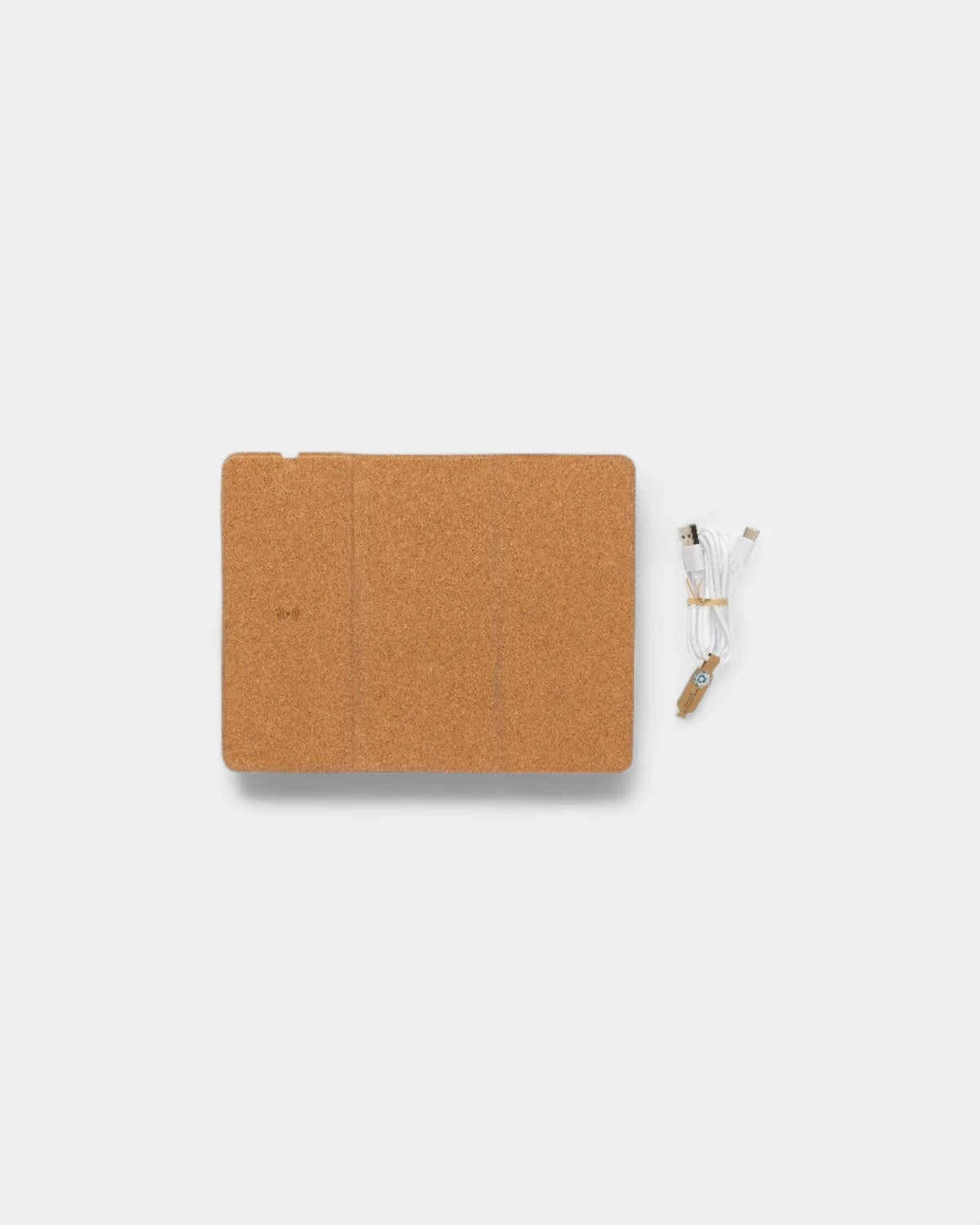
The lead is the part that gets overlooked. Connector type and length vary by device generation, and the full set sits on Branded charging cables so you match port and reach in one go.
The new-laptop rollout: personalised computer accessories for a starter kit
A 40-laptop rollout for new hires is the cleanest scenario for these branded computer accessories. Each box wants one item per zone: a mouse, a mat, a sleeve, a stand and a charge lead, all carrying the same brand.
Buying by zone rather than by impulse stops the common gap where forty mice arrive with no mats. The map table above doubles as the rollout checklist.
Lead time on a kit moves with the slowest line in it, usually the printed or embroidered sleeve, so brief the whole kit together rather than piecemeal. Free artwork approval within 24h keeps a multi-line kit moving once the brief lands.
The hybrid-work kit: custom laptop accessories for two desks
A hybrid worker runs two setups, home and office, and forgets a charger at one of them weekly. The hybrid kit answers that with a second charge lead and a fold-flat stand that travels in the bag.
The priority order differs from a rollout. Here the sleeve and the spare cable lead, because the laptop moves between sites daily rather than sitting on one desk.
| Scenario | Lead item | Second item | Often skipped |
|---|---|---|---|
| New-laptop rollout | Sleeve | Mouse and mat | Spare cable |
| Hybrid-work kit | Spare charge lead | Folding stand | Full-size mouse |
| Conference giveaway | Mouse mat | Charge cable | Stand |
| VIP client gift | Premium mouse | Sleeve | Mat |
The conference tech giveaway: branded computer accessories that travel flat
At a stand pushing several thousand visitors, the giveaway computer accessories that work are the ones that post flat and survive a tote bag. A printed mat and a short charge cable both pack flat and cost-scale across a big run.
A mouse mat in particular keeps your brand on the recipient's desk after the badge is binned, which is the dwell-time argument for the spend. A printed mat earns its place because it is used every working day, not glanced at once on a stand. It also scales cleanly across a large run, since the flat surface prints full-bleed without the curved-surface limits a mouse shell imposes. For a giveaway measured in thousands, that print economy makes the mat the strongest promotional computer accessories choice on the list.
Bulkier items like stands suit a smaller VIP list rather than a mass handout. The priority table above splits the giveaway list from the gift list so a single budget covers both correctly. A stand adds weight and unit cost, so it earns its place only where the recipient is named and the gesture is deliberate. Reserve it for the handful of partners you want to remember the day, and let the flat-packed branded computer accessories carry the wider crowd.
Marking methods across mixed-surface personalised computer accessories
Computer accessories span hard plastic shells, fabric mat tops, padded sleeve faces and aluminium frames, so no single method fits the whole kit. The surface decides the method, not the other way round.
A hard mouse shell takes pad print or laser. A fabric mat takes full-colour dye sublimation edge to edge, a sleeve takes print or embroidery, and an aluminium stand takes laser engraving. Each delivered range states the method available on that base.
| Surface | Typical method | Logo result |
|---|---|---|
| Hard plastic mouse | Pad print or laser | Single or two colour |
| Fabric mat top | Dye sublimation | Full colour, full bleed |
| Padded sleeve face | Print or embroidery | Flat or stitched |
| Aluminium stand | Laser engraving | Tone-on-tone mark |
Powered custom laptop accessories and the safety they carry
Chargers and cables are the only powered computer accessories on this hub, and they bring obligations the fabric items do not. A mains charger sold into the UK needs the correct plug standard and conformity marking for the market.
Cables vary by data and power rating, and a lead rated only for sync will not deliver charging wattage, which is a quiet failure buyers meet on site. Match the cable rating to the charger output on the linked ranges.
Any recycled-material or certification status is stated per model on that product's data sheet, not assumed across the category, since a plastic shell and an aluminium frame differ.
Quantity and lead time as they actually behave on a branded computer accessories kit
Quantity behaves differently across this hub than on a single product, because a kit bundles fast and slow lines. A flat-packed mat run scales smoothly; an embroidered sleeve run sets the floor on minimums and time.
A typical starter-kit order of a few dozen units clears within the three-week delivery window when the sleeve artwork is approved early. The slowest decorated line, not the order size, is what to plan around.
Low minimums on the input and power lines make a pilot batch viable for a single department first. You can test fit and finish before committing the whole fleet. A pilot also lets the recipient feedback on the personalised computer accessories before the budget is fully spent. If the sleeve size or the print position needs a tweak, you catch it on a small run rather than across the full order.
Use cases for branded computer accessories by sector
Different sectors brief branded computer accessories for very different reasons, and the model that lands depends on the working day it has to survive. A sales team living out of a bag wants a packable kit; a contact centre wants a fixed-desk setup that lasts. Field engineers punish the casing, so durability outranks finish, while a marketing team at a launch wants the brand to photograph well on the stand. Education rollouts buy in deep volume and price hard on the input and power lines. Finance and legal teams skew toward the premium client-gift end, where a single boxed mouse carries more weight than a five-line kit. Naming the sector before the spec stops a kit being over-built for one audience and under-built for another. The table below maps the common buyers to the branded computer accessories that fit each brief.
| Sector | Recommended model | Why it fits |
|---|---|---|
| Field sales | Packable mouse and folding stand | Travels light, survives a daily bag |
| Contact centre | Full-size mouse and printed mat | Fixed desk, eight-hour daily use |
| Education rollout | Mouse, mat and charge lead | High volume, priced on input and power |
| Marketing and events | Full-bleed mouse mat | Photographs well, posts flat at scale |
| Finance and legal | Premium boxed mouse | Single high-signal client gift |
How we decorate your personalised computer accessories without compromising the product
Decoration on personalised computer accessories has to respect the function first, because a charger that fails or a sleeve that loses its padding is a gift that backfires. We mark the body surface, never the working part. A laser etch sits on an aluminium stand frame rather than near the hinge, and a print lands on the flat of a mouse shell rather than the click zone. On a fabric mat the dye sublimation is the surface, so the print and the product are one and the same. Each method is confirmed against the specific model before artwork, since a curved shell and a flat mat behave differently under the same machine.
Powered lines carry the extra rule that the marking must not touch the certification or the cell. We decorate the casing of a charger cleanly and leave every conformity mark intact, so the safety story the product ships with stays readable. Where a casing is too compact or too curved for a clean logo, we move the branding to the gift box or a printed sleeve rather than crowding the device. That keeps the custom laptop accessories looking deliberate rather than overprinted, and the recipient meets your brand before the kit is even unboxed.

